2026 xTool laser review

xTool F2 Ultra Review: 60W MOPA + 40W Diode

The F2 Ultra is not just a bigger F1. It is the metal-power route for MOPA color, deep relief, and compact hybrid production, with enough complexity that the buying decision deserves pressure testing.

Quick Specs (Manufacturer Data & User Reports)

The xTool F2 Ultra is the power branch: 60W MOPA fiber plus 40W diode for metal color marking, deep engraving, 3D embossing, and thicker wood/acrylic cutting. Do not confuse it with the F2 Ultra UV, which is a separate 5W cold-marking model for glass, crystal, plastics, and fine detail.
MOPA branch60W fiberMetal color and deep relief
Hybrid cutter40W diodeWood, acrylic, leather
Work area220 x 220 mmGalvo speed, compact bed

Disclosure: xTool links may be affiliate links, which helps support this site at no extra cost to you.

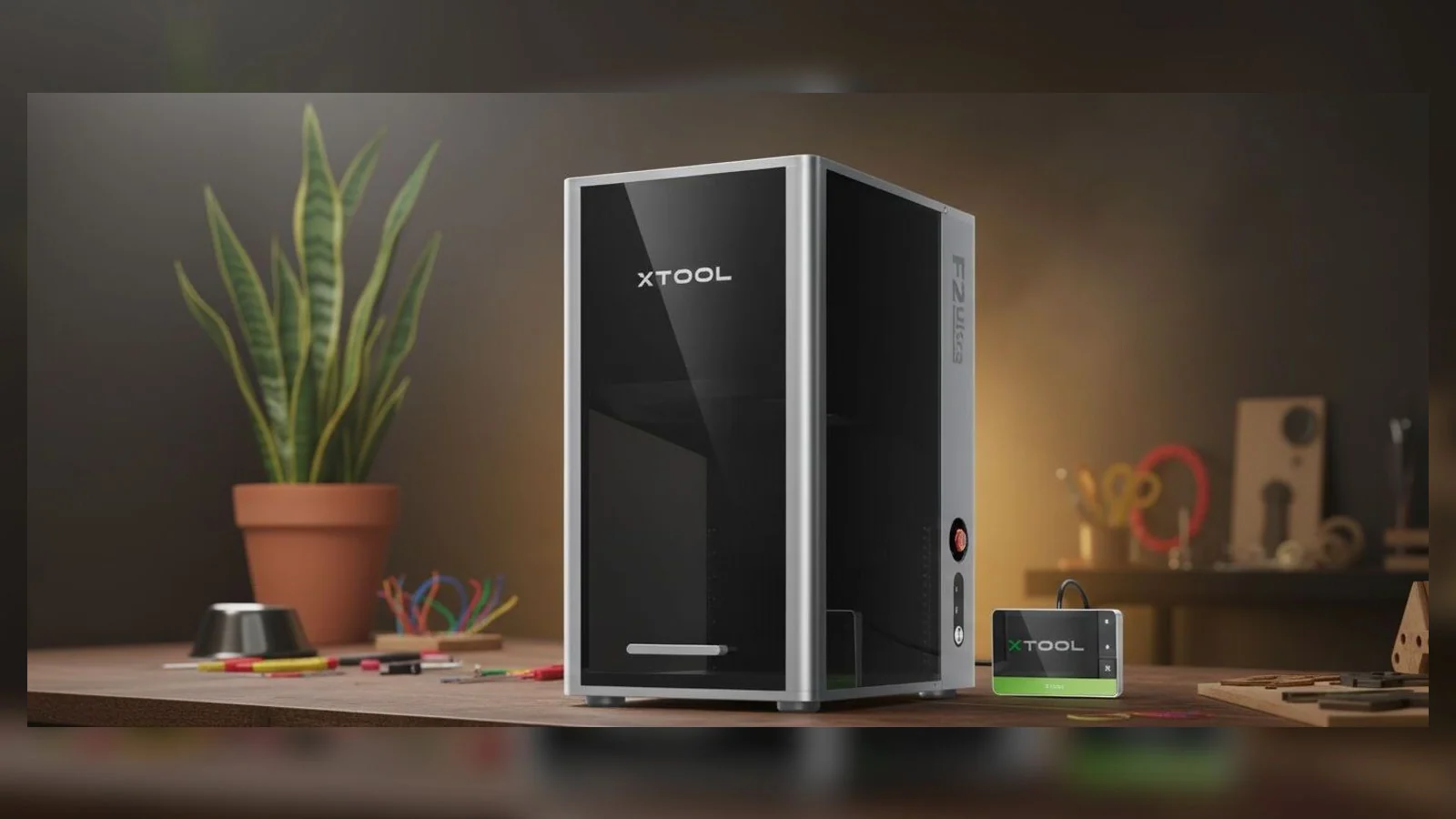
Official xTool F2 Ultra product photo on a workshop bench
Best-fit laneMetal products with margin
Risk to modelSettings, testing, downtime

F2 family clarification

If the referral says F2 Ultra UV, read the UV buyer guide first

The standard F2 Ultra and the F2 Ultra UV are not bundle names for the same machine. The standard F2 Ultra is the MOPA/diode route for power, color metal marking, deep relief, and cutting. The F2 Ultra UV is the cold-marking route for glass, crystal, plastics, and heat-sensitive materials. If your project is glass awards, inner crystal engraving, or sensitive plastic marking, start with the F2 Ultra UV Deluxe Bundle guide.

F2 route cards

Pick the workflow in front of you.

The F2 Ultra is easier to understand when you stop asking whether it is "good" and start asking which job has to pay for it. These cards route the review by work type, not hype.

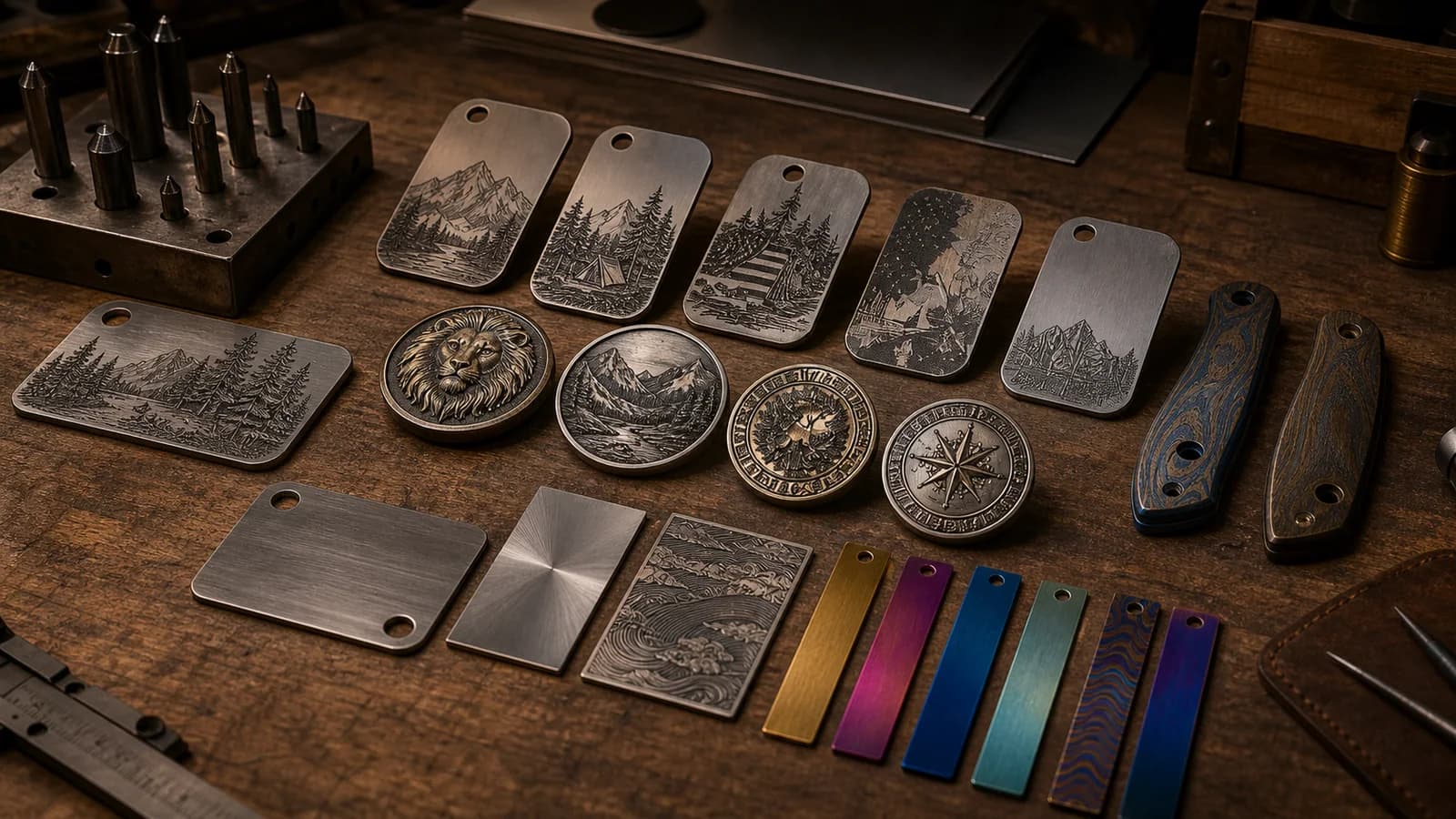
Engraved metal tags, challenge coins, knife scales, and color test strips arranged on a workshop bench
Production routeMOPA / Metal

Color, relief, and deep marks

Choose the F2 Ultra for premium metal work.

The 60W MOPA branch is the reason this machine exists: stainless color tests, deep engraving, 3D relief, challenge coins, knife scales, tags, plates, and high-value metal personalization.

Start here ifStart here if the job makes money because the metal mark is the product.
Read the MOPA route
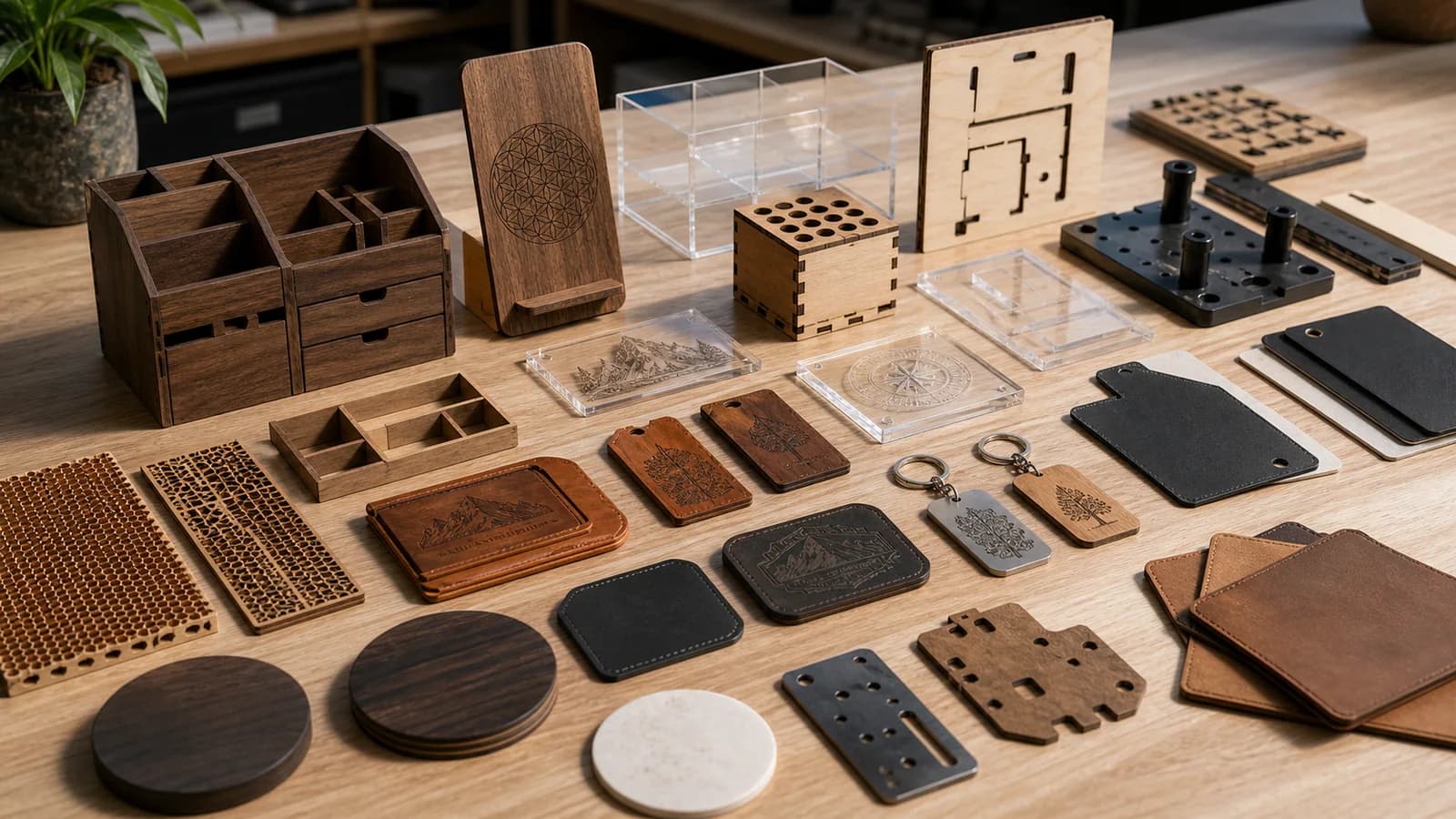
Laser-cut wood pieces, engraved leather patches, acrylic parts, tags, and small jigs on a maker bench
Hybrid shop routeDiode / Materials

Fast marking plus thicker cutting

Choose it when one enclosed box needs two jobs.

The 40W diode matters if your metal workflow also needs wood, leather, acrylic, fixtures, tags, packaging, or small-batch parts without adding a second gantry machine immediately.

Start here ifStart here if the machine has to bridge product marking and shop materials.
Check the diode route
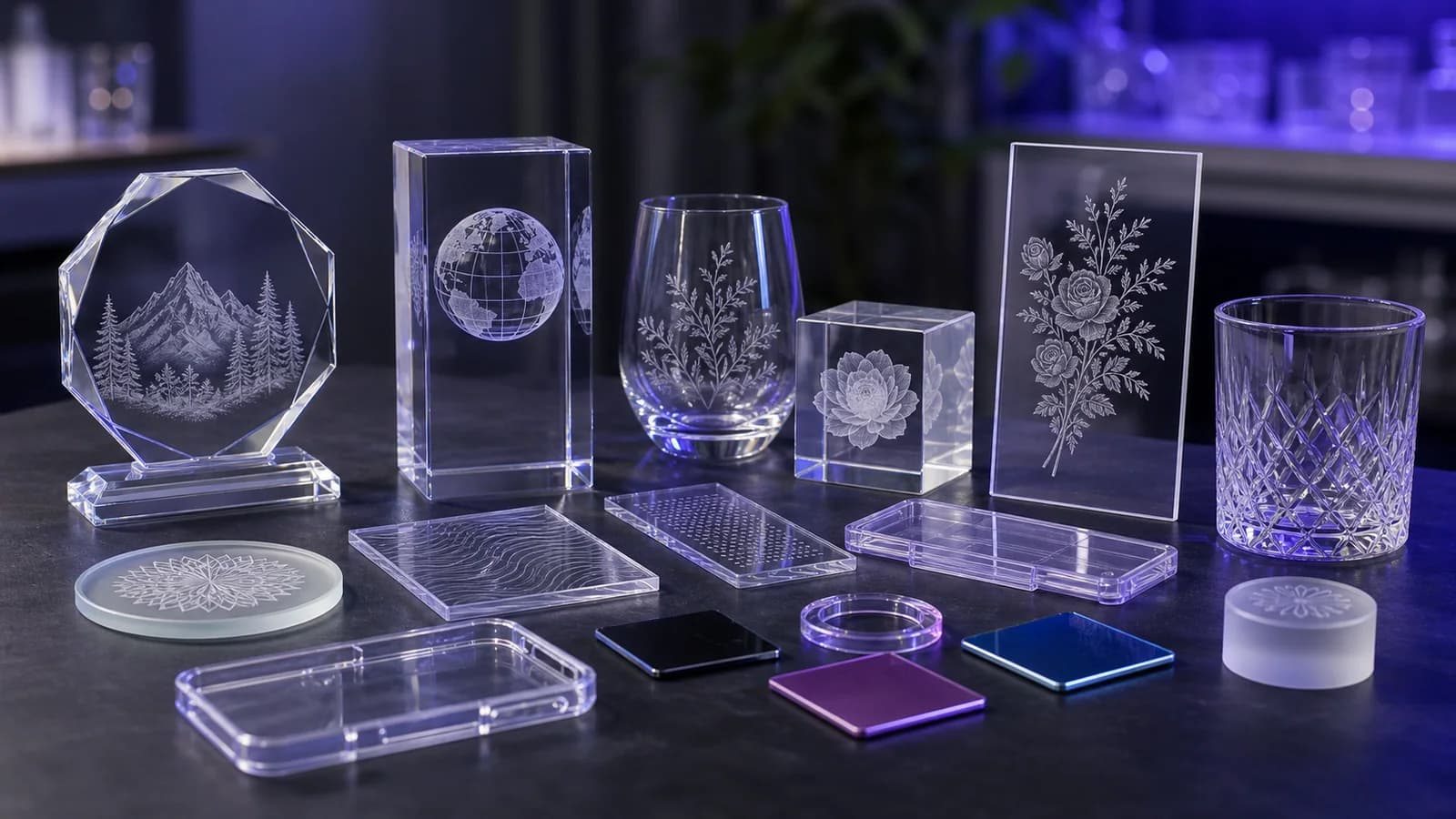
Engraved glass awards, crystal blocks, acrylic plates, and translucent plastic samples on a workbench
Wrong-machine warningUV / Cold marking

Glass, crystal, and sensitive plastics

Do not confuse it with the F2 Ultra UV.

If the work is inner crystal engraving, glass awards, heat-sensitive plastics, or cold-marking detail, the F2 Ultra UV guide is the cleaner starting point.

Start here ifStart here if your question is glass or crystal, not deep metal power.
Open the UV guide
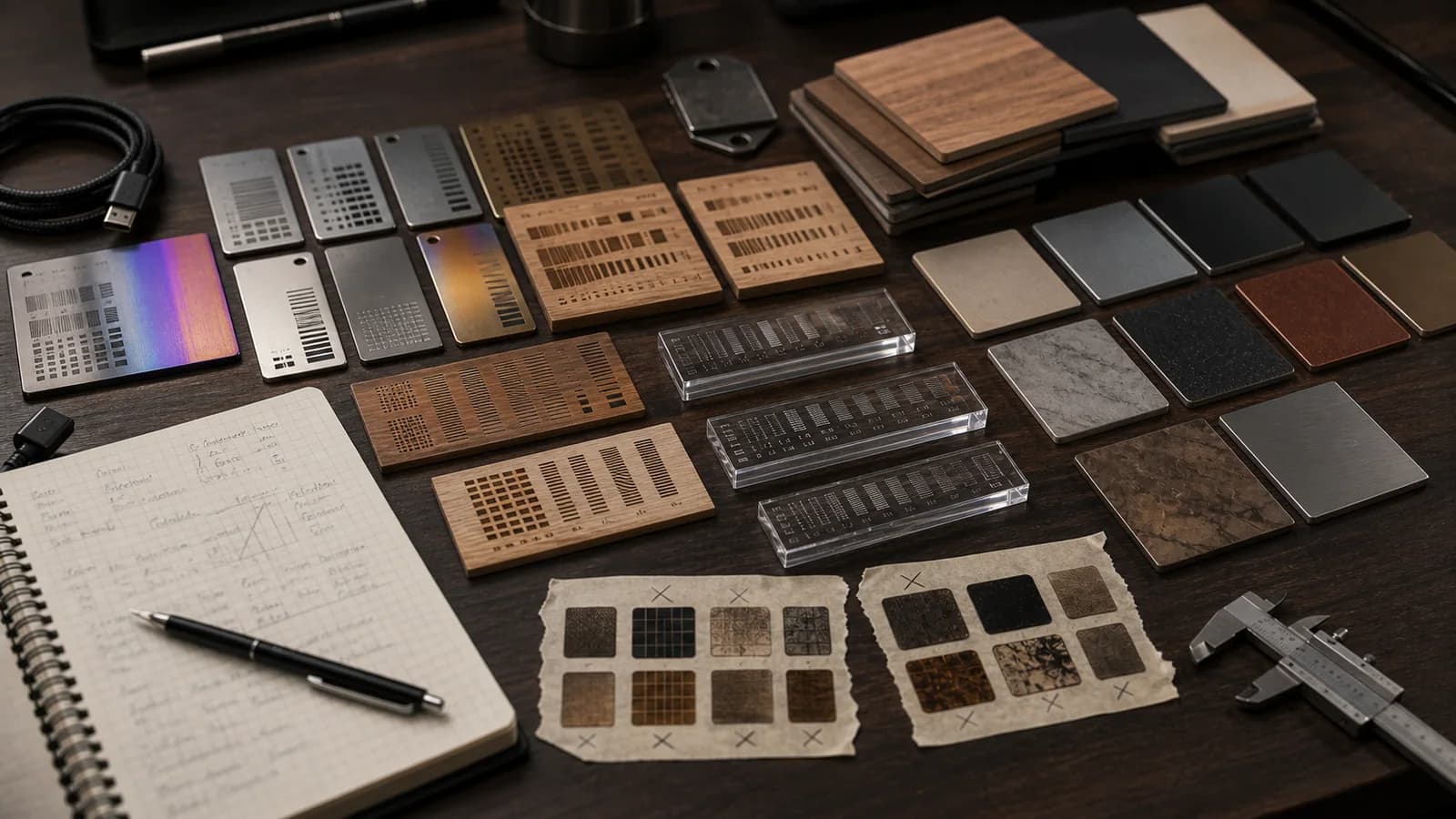
Laser test grids, material coupons, sample tiles, calipers, and notes arranged on a workshop bench
Reality-check routeSoftware / Support

Settings, learning curve, and risk

Wait if you need push-button certainty.

The strongest F2 Ultra jobs still require test grids, settings discipline, material notes, support awareness, and patience with xTool Studio/XCS workflows.

Start here ifStart here if downtime, training, and repeatability decide the purchase.
Pressure-test fit

Review briefing

The F2 Ultra is where the F-series stops being portable and starts acting industrial.

The laser market has seen a rapid, almost frantic, pace of innovation. For years, the F1 series defined the pinnacle of portable, high-speed galvo engraving. Now, xTool has released the xTool F2 Ultra, a machine that, while sharing the "F" name, belongs to an entirely new category. This is not an iterative update; it's a desktop-industrial-revolution.

While I haven't personally tested the F2 Ultra (my wallet can only stretch so far, xTool!), I am a huge proponent of xTool products and have purchased several with my own hard-earned cash. The F2 Ultra doesn't fit my current needs, but I wanted to lay out the specifics for this exciting product from a brand I know and trust.

This review will be an exhaustive guide to help you decide which path to take. We'll cover the two lasers (60W MOPA, 40W Diode), compare it head-to-head against its predecessors, and dive into the "honest truth" about real-world performance, software gaps, and user-reported hardware problems.

Before we dive in, if you're new to lasers, I recommend reading our complete Laser Cutter Guide 2026 to understand the different technologies.

xTool F2 Ultra official product cutout
Power branch60W MOPAcolor, relief, deep marks
Material branch40W diodewood, acrylic, leather
Buyer risktraining curvesettings, testing, support

The verdict at a glance

Three buyers walk up to the same machine. Only some of them should buy it.

The F2 Ultra family also includes a highly specialized UV laser model. If your work involves sensitive materials like plastics, glass, or reflective metals, see our deep dive into the xTool F2 Ultra UV to see if its unique cold marking technology is right for you.

For new buyers

A desktop factory, not a hobby tool.

The xTool F2 Ultra is the most powerful and versatile all-in-one, enclosed galvo laser on the market. It's a "desktop factory" that combines the metal-processing power of a 60W MOPA fiber laser with the wood-cutting capabilities of a 40W diode laser. It is also a complex, industrial-grade machine with a steep learning curve and a premium price tag. This is an investment, not a hobby tool.

Decision signalBest when production margin pays for complexity

For F1 / F1 Lite owners

This is a different stratosphere.

This is not an upgrade; it's a different stratosphere. You are moving from a portable, small-batch engraver to a production machine with 10x-30x more power. If your business is booming and you need industrial capabilities, the F2 Ultra is the leap.

Decision signalA business leap, not a casual refresh

For F1 Ultra owners

Upgrade only for three specific reasons.

This is the real question. The F2 Ultra is a "should upgrade" only if you need one of three specific things: true, consistent MOPA color engraving on metal, deep 3D embossing on metal, or the 40W diode's power for cutting thick wood/acrylic. If you are happy with high-speed 20W fiber marking, your F1 Ultra is still a champion.

Decision signalMOPA color, deep relief, or 40W diode cutting
This isn't an "F1 Pro"; it's a different beast.The F1 series was defined by portability and speed. The F2 Ultra is defined by raw, desktop-industrial power. It trades the grab-and-go nature of the F1 for a stationary, 32+ lb chassis that houses two best-in-class lasers.

Part 1: The MOPA revolution

The 60W MOPA fiber laser is the reason this machine exists.

The main event of the F2 Ultra is its 60W MOPA fiber laser. This is, by far, the most significant upgrade and the primary source of its advanced capabilities.

What is MOPA?

It is not just "fiber." It is pulse control.

To understand the F2 Ultra, you must understand this technology. The F1 Ultra has a 20W Q-switched fiber laser. These are powerful and effective, but they have a fixed pulse duration, typically around 120 ns.

The F2 Ultra has a 60W MOPA (Master Oscillator Power Amplifier) laser. The magic word here is variable pulse duration. This allows the F2 Ultra to adjust its pulse width anywhere from a very short 2 ns up to 500 ns.

This variability is the cause of its advanced capabilities. A Q-switched laser's one-size-fits-all pulse can be too harsh, burning sensitive plastics or not delivering enough sustained energy for deep engraving. The MOPA's control changes everything. It can use short, delicate pulses for clean, high-contrast marks on plastics or long, powerful pulses to deliver more focused energy for deep engraving metal. It's about control, not just raw power.

100+ colors: hype vs. reality

Color marking is real, but it behaves like a shop skill.

The hype

100+ colors sounds like printing.

The 60W MOPA unlocks "over 100 consistent colors" on stainless steel and titanium. The marketing shows vibrant, multi-colored images, and xTool provides software-guided color files in the xTool Studio/XCS workflow.

The science

It is controlled oxide color.

This feature is real, but it's not "printing" or "painting." The MOPA laser's controlled heat minutely heats the surface of metals like 304 stainless steel. This creates microscopic, transparent oxide layers. Light then refracts through these layers, creating visible color via a phenomenon called thin-film interference.

The shop reality

Color is a premium workflow, not a button.

Achieving a specific, consistent color is incredibly difficult. It is a delicate, multi-variable balancing act of power, speed, frequency, pulse width, material batch, surface prep, and even ambient humidity.

It's not push button

Achieving a specific, consistent color is incredibly difficult. It is a delicate, multi-variable balancing act of power, speed, frequency, pulse width, and even ambient humidity.

It's slow

This is a process for premium, high-value products, not a quick batch job. One reviewer noted that a detailed, multi-color Van Gogh engraving took 11 hours and 52 minutes to complete, primarily because the settings required 5,000 lines-per-centimeter. While they found a faster 1-hour setting was possible, it highlights that this is an exceptionally time-intensive process.

It requires massive trial and error

You will need to run test grids, like the ones xTool provides, on every new batch of material to build your own color palette. This is a complex, advanced technique for professionals, not a simple "click-to-engrave" feature.

Deep engraving and 3D embossing

For many workshops, this is the real reason to get the 60W MOPA.

While a 20W fiber laser can mark metal, a 60W MOPA can displace it. The F2 Ultra's 60W of power, combined with its 15,000 mm/s galvo speed, allows for true 3D relief and deep engraving. Projects seen online show deeply engraved challenge coins, 3D embossed designs on slate, and custom relief patterns on metal. This is a capability that is simply impossible on the F1 Ultra. For jewelry makers, knife makers, or firearm customizers, this feature alone can justify the machine's cost.

For more on marking metals, check out our comparison of the xTool P2S vs F1.

Part 2: The other laser

The 40W diode is the second half of the business case.

It's easy to be so impressed by the 60W MOPA that you overlook the second laser, but that would be a mistake. The F2 Ultra includes a 40W diode laser module, a powerhouse in its own right.

Pro

Fast engraving on shop materials.

The F1 Ultra's 20W diode was a significant step up. The F2 Ultra's 40W diode is a massive leap, putting it in direct competition with dedicated gantry-style diode cutters like the xTool S1 40W and even some desktop CO2 lasers.

This allows for insanely fast engraving on wood, leather, and acrylic.

Trade-off

Galvo speed comes with a smaller work zone.

However, this power comes with a critical trade-off. The F2 Ultra's diode laser is mounted on the galvo system.

Galvo lasers have a fixed focal plane and a smaller, slightly rounded work area (8.6" x 8.6"). A gantry laser, like an S1 or P2, has a larger, perfectly square work area and can use a Z-axis or pass-through to work on thicker materials or larger projects.

xTool cutting claim23mm wood / 20mm acrylicmultiple passes, testing required

xTool claims the 40W diode can cut 23mm wood and 20mm acrylic in multiple passes. This is a substantial claim. For reference, a 20W diode module is generally capable of cutting 10mm basswood in a single pass. The 40W module will be significantly faster and more capable. While 23mm of wood will certainly require multiple slow passes and excellent air assist, the ability to cut 1/2-inch or 3/4-inch (12-18mm) wood in a single machine that also has a 60W MOPA is a game-changer for hybrid workshops.

See our complete laser cutter guide to see what a dedicated 40W gantry laser can do, or check out our Profitable xTool Laser Projects for ideas.

Part 3: The critical decision

Upgrading from the F1 family is not one question. It is three buyer routes.

This is the most common question: "I have an F1. Should I upgrade?" The answer depends entirely on which F1 you have and what your business needs.

FeaturexTool F1 LitexTool F1 (Original)xTool F1 UltraxTool F2 Ultra (Dual)
Laser 1 (Diode)10W Diode10W Diode20W Diode40W Diode
Laser 2 (IR/Fiber)N/A2W IR (Infrared)20W Fiber (Q-Switched)60W MOPA (Fiber)
Max Speed4000 mm/s4000 mm/s10,000 mm/s15,000 mm/s
Work Area~4.5" x 4.5"~4.5" x 4.5"~8.6" x 8.6"~8.6" x 8.6"
Weight~10.1 lbs (4.6kg)~10.1 lbs (4.6kg)~32.4 lbs (14.7kg)~32.4 lbs (14.7kg) Est.
Key FeaturePortable DiodeDual-Laser PortabilityPro-Level Speed & FiberIndustrial MOPA & Power
Target UserBudget HobbyistCraft Fair SellerProsumer / Small BizProduction / Industrial

F1 / F1 Lite owners

A resounding yes, if your business justifies the 10x-15x cost.

The why: Look at the table. Your F1's 2W IR laser is a marking tool. The F2 Ultra's 60W MOPA is a deep engraving and processing tool. Your 10W diode is for light engraving and cutting thin wood. The F2's 40W diode is a production cutter.

This isn't an upgrade; it's a career change. You are moving from a portable craft fair machine to a stationary desktop factory. This is the machine you buy when your side hustle has become your main, full-time business.

F1 Ultra owners

This is the real nuanced decision.

Who shouldn't upgrade: If your business is built on fast, high-contrast fiber marking on tumblers, anodized aluminum, and leather patches, your 20W F1 Ultra is a phenomenal machine. The F2 Ultra is heavier, less portable, and its main MOPA features (color) are complex. Don't upgrade if you don't need the MOPA's specific tricks.

Who should upgrade

The three-point checklist

01

You need MOPA-specific capabilities

Your business is jewelry, custom metal art, or high-end firearms, and clients are demanding color marking or deep 3D embossing that your 20W Q-switched fiber can't deliver.

02

You need 40W diode power

You are a hybrid-material workshop, and your F1 Ultra's 20W diode is too slow for cutting the thick wood or acrylic components you need. You want the 40W diode's cutting power without buying a second gantry machine.

03

Your F1 Ultra is a production bottleneck

The 60W MOPA's sheer power and 15,000 mm/s speed will be faster at everything, even basic marking, than your 20W/10,000mm/s F1 Ultra. If time is money and your machine runs 8 hours a day, the upgrade will pay for itself in saved time.

Part 4: New buyer guide

If the F2 Ultra is your first laser, the budget is only the first test.

This section addresses the second persona: the new buyer with a high budget.

The "buy once, cry once" philosophy

The price is significant, ranging from $5,000 to over $7,000 depending on the bundle.

The pro: You are buying a machine that combines the capabilities of three separate machines: a 60W MOPA Fiber Laser, a 40W Diode Laser Cutter, and a safe, enclosed, camera-driven ecosystem.

The con: This is not a beginner's machine. The learning curve for the MOPA features is vertical. You are paying for professional-grade features you may never use.

The Crafty Catsman honest review

Real-world problems belong in the buying model.

Other reviews may gloss over these points, but our community values honesty. We've scoured user reports to find real issues with early models. This doesn't mean it's a bad machine, but it means you must be aware of the risks.

Hardware & quality control

  • Enclosure shield failures: multiple users have reported the protective enclosure shield failing to stay down, or going back up on its own.
  • Power supply and laser failures: reports include flickering, humming power supplies and, in a more extreme case, total fiber laser failure after just 5 small projects on a $7,000 machine.
  • Misaligned components: users have also noted the laser enclosure itself appearing tiled or unbalanced.

Software & performance gaps

  • The settings are not finished problem: xTool advertises the F2 Ultra cutting brass and titanium, but users report that settings for some advertised materials are not always ready in xTool Studio/XCS.
  • You are the beta tester: this forces users to spend hours upon hours experimenting to find the parameters for the materials the machine was advertised to cut.

How it stacks up

F2 Ultra vs. the competition

The all-in-one challenger (Accelaser HD1): The F2 Ultra's only true, direct competitor is the Accelaser HD1. In fact, some users have pointed out that the Accelaser HD1 Ultra, an all-in-one MOPA/Diode hybrid, boasts even higher specs on paper, with an 80W Diode + 60W MOPA.

The single-purpose alternative (ComMarker/OMTech): If you only need a 60W MOPA for metalwork, you can buy an open-bed 60W MOPA from ComMarker or OMTech for significantly less. You trade the enclosure, safety, camera, and 40W diode for a lower price and a more industrial, and less user-friendly, experience.

FeaturexTool F2 Ultra (Dual)Accelaser HD1 Ultra
Diode Laser40W Diode80W Diode
Fiber Laser60W MOPA60W MOPA
Work Area220 x 220 mm (~8.6")200 x 200 mm (~7.9")
Max Speed15,000 mm/s16,000 mm/s
EnclosureFully EnclosedFully Enclosed
Key FeatureDual 48MP Cameras, xTool Studio/XCS ecosystem"Flying 3D Galvo," External Laser Source

Frequently asked questions

The fast answers, without making you hunt through the whole review.

Part 5: Final verdict and recommendations

The F2 Ultra is a game-changer only when the work is ready for it.

After an exhaustive review of the specs, capabilities, and real-world user feedback, here is our final breakdown of who should, and should not, buy the xTool F2 Ultra.

The bottom line: who the xTool F2 Ultra is for

The production small business

You are scaling up. Your business is built on custom metal goods: jewelry, watch parts, knives, firearms, premium tumblers, and you need the advanced MOPA capabilities (color, deep embossing) to create high-value products.

The all-in-one woodworker/maker

You are primarily a woodworker who wants to add serious, high-end metal engraving to your toolkit without buying a second machine. The 40W diode is your workhorse, and the 60W MOPA is your high-profit specialty tool.

The productivity-first workshop

You need maximum speed in one safe, enclosed unit. The 15,000mm/s galvo speed for engraving and the 40W diode for cutting makes this a productivity monster for hybrid projects.

Who it is not for

The beginner hobbyist

This is not the machine to "try out" the hobby. The cost and complexity will be overwhelming. Start with a portable F1.

Compare with F1

The portable crafter

If your business model involves craft fairs and on-site personalization, the 10lb F1 is your king. The 32lb+ F2 Ultra is a stationary machine.

The large-format gantry user

If you only cut large wooden signs or need a pass-through for huge projects, the F2 Ultra's 8.6" work area is the wrong tool. You need a dedicated gantry machine like the industrial-grade xTool P3.

Read the P3 review

For a full breakdown of all xTool machines, start in the xTool Dream Workshop.

Final thoughts from The Crafty Catsman

The xTool F2 Ultra is an incredible leap in technology. It's the first machine to successfully pack a true industrial 60W MOPA and a class-leading 40W diode into a single, safe, user-friendly-ish package.

However, it's a "Version 1.0" product. The hardware QC issues and software gaps are real. Our recommendation is to buy with confidence in xTool's warranty and support, but be prepared to use it.

For the right business, this machine isn't just "worth it"; it's a game-changer. For everyone else, it's a tantalizing, high-priced glimpse of the future.