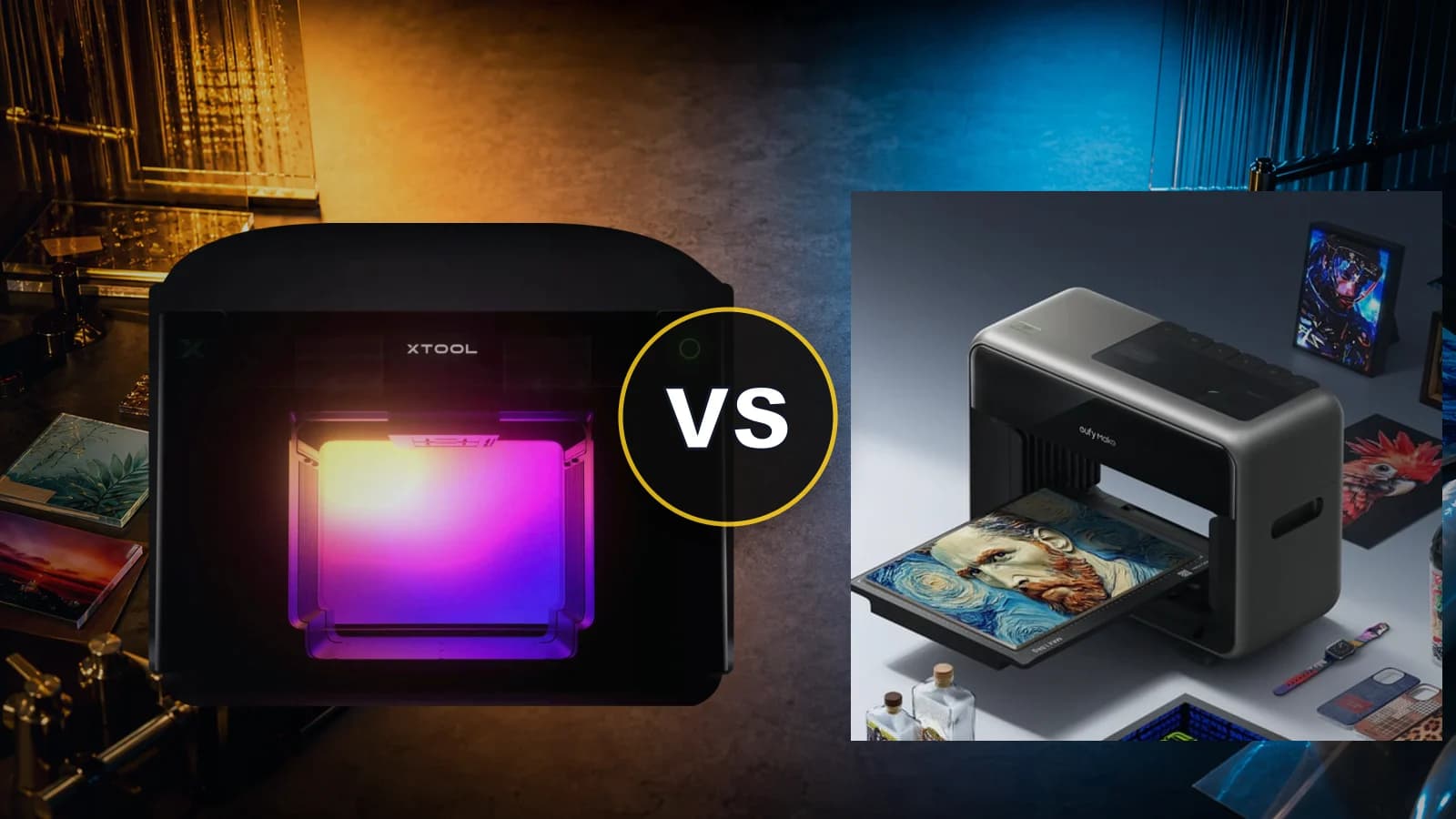
xTool UV Printer: A New Era of Desktop Additive Manufacturing
Comprehensive Technical Analysis of the Upcoming Desktop UV Printer — CES 2026 Prototype to Q2 2026 Launch
Quick Specs — Confirmed at CES 2026
The Owner's Perspective: Why I'm Watching This Closely
Let me start with full transparency: I purchased my xTool P2 with my own money, and it remains one of the most impactful tools in my workshop. I'm not paid by xTool to write this — I'm an affiliate partner because I genuinely believe in the products. xTool is one of the few companies in the desktop fabrication space that consistently delivers on innovation while standing behind their products with reliable customer service.
That's why the announcement of the xTool UV Printer at CES 2026 has my full attention. This isn't just another gadget — it's a fundamental expansion of what desktop makers and small businesses can produce. xTool has been dominant in subtractive fabrication (CO2, diode, and fiber lasers). Now they're entering additive manufacturing with a machine designed to pair directly with their laser lineup through an automated Print & Cut pipeline.
I am also a backer of the eufyMake E1 UV Printer, so I have skin in the game on both sides. This analysis is written from the perspective of someone who genuinely uses these tools for production work — not a spec sheet regurgitation.
The Physics of Fabrication: How UV Printing Works
To appreciate what the xTool UV Printer brings to the table, you need to understand a critical distinction: additive UV printing is the exact opposite of laser engraving. My xTool P2 CO2 laser is a subtractive tool — it removes material by vaporizing or etching the substrate. The UV printer is an additive system — it deposits material onto the surface.
Piezoelectric Deposition, Not Thermal Inkjet
The xTool UV Printer uses piezoelectric printhead technology. Unlike thermal inkjet printers that heat ink to create bubbles that push droplets out, piezoelectric printheads use microscopic mechanical pulses triggered by electrical currents to eject precise volumes of liquid ink through thousands of sub-micron nozzles. This distinction matters because piezoelectric systems offer far superior accuracy and are compatible with the specialized UV-curable inks that thermal heads cannot handle.
Instant Photopolymerization
The “UV” in UV printing refers to the curing mechanism. The liquid ink contains photopolymers and chemical photoinitiators. Mounted immediately adjacent to the moving printheads are high-intensity UV-LED lamps. The instant liquid ink droplets land on the substrate — glass, metal, wood, acrylic — the LEDs bombard them with ultraviolet light. The photoinitiators absorb this energy and trigger a chain reaction that hardens the liquid photopolymers into a solid, durable plastic film in milliseconds.
This is fundamentally different from aqueous (water-based) inks that rely on evaporation, or solvent inks that rely on chemical outgassing. UV ink undergoes a complete state change from liquid to solid plastic through light-induced polymerization. The result: prints that are immediately dry, scratch-resistant, and weatherproof.
Why a Separate Machine? The Contamination Problem
A natural question for xTool laser owners is: “Why can't this just be a module on my P3?” The answer is physics. A UV printer demands a pristine, dust-free environment — microscopic airborne particles can clog piezoelectric nozzles or disrupt ink droplet trajectories. A laser cutter, by its nature, generates smoke, micro-dust, and resin residue. Merging these two systems in a single chassis would be mechanically contradictory. Instead, xTool connects them through a unified digital software ecosystem (XCS), which is the smart engineering decision.
Confirmed Technical Specifications
The following specifications have been validated through prototype demonstrations at CES 2026, official xTool technical publications, and the Co-Creation community testing program.
| Specification | xTool UV Printer (Confirmed) |
|---|---|
| Print Bed Size | 330 × 420 mm (A3+ / ~13" × 16.5") |
| Z-Axis Height Clearance | 150 mm (~5.9 inches) |
| Printhead Architecture | Dual-Head Piezoelectric |
| Ink Channels | CMYK + White + Varnish (CMYKWV) |
| Maximum Resolution | 1440 DPI |
| Curing System | Integrated UV-LED Lamps |
| White Ink Circulation | Automated WIC System |
| Software | xTool Creative Space (XCS) + xTool Studio |
| Rotary Support | Native (confirmed) |
| UV DTF Support | Confirmed (roll-to-roll + laminator planned) |
| Print & Cut Integration | XCS optical registration with xTool lasers |
| Expected Release | Q2 2026 |
| Projected Price Range | $3,000 – $5,000 USD (unconfirmed) |
The Dual-Head Advantage: Why This Changes Everything
The Dual-Head Technology is the foundational mechanical advantage of the xTool UV Printer and arguably its single most important differentiator in the prosumer market.
The Single-Head Problem
In legacy desktop UV printers and budget-tier consumer models (including the eufyMake E1), a single printhead carriage must manage every ink channel sequentially. This forces the machine into a multi-pass workflow:
- Pass 1: Print the white ink underbase across the entire design
- Pass 2: Reset and print the CMYK color layer over the white
- Pass 3: Execute a third pass for clear protective varnish
This sequential methodology is inherently slow and introduces a high probability of mechanical misalignment between passes, frequently manifesting as color halos, ghosted edges, and registration errors.
The xTool Solution: Parallel Injection
The xTool UV Printer bypasses this limitation by mounting two separate piezoelectric printheads onto a single, highly stabilized moving carriage. The mechanical responsibilities are bifurcated:
- Printhead 1: Dedicated to CMYK color channels
- Printhead 2: Dedicated to White ink and Varnish channels (WWVV configuration)
This enables a single-pass workflow: the system deposits white underbase, CMYK color, and textured varnish simultaneously, with integrated UV-LEDs trailing the carriage to instantly cure the photopolymers. The result: production time cut in half, superior ink flow stability, and significantly extended printhead service life.
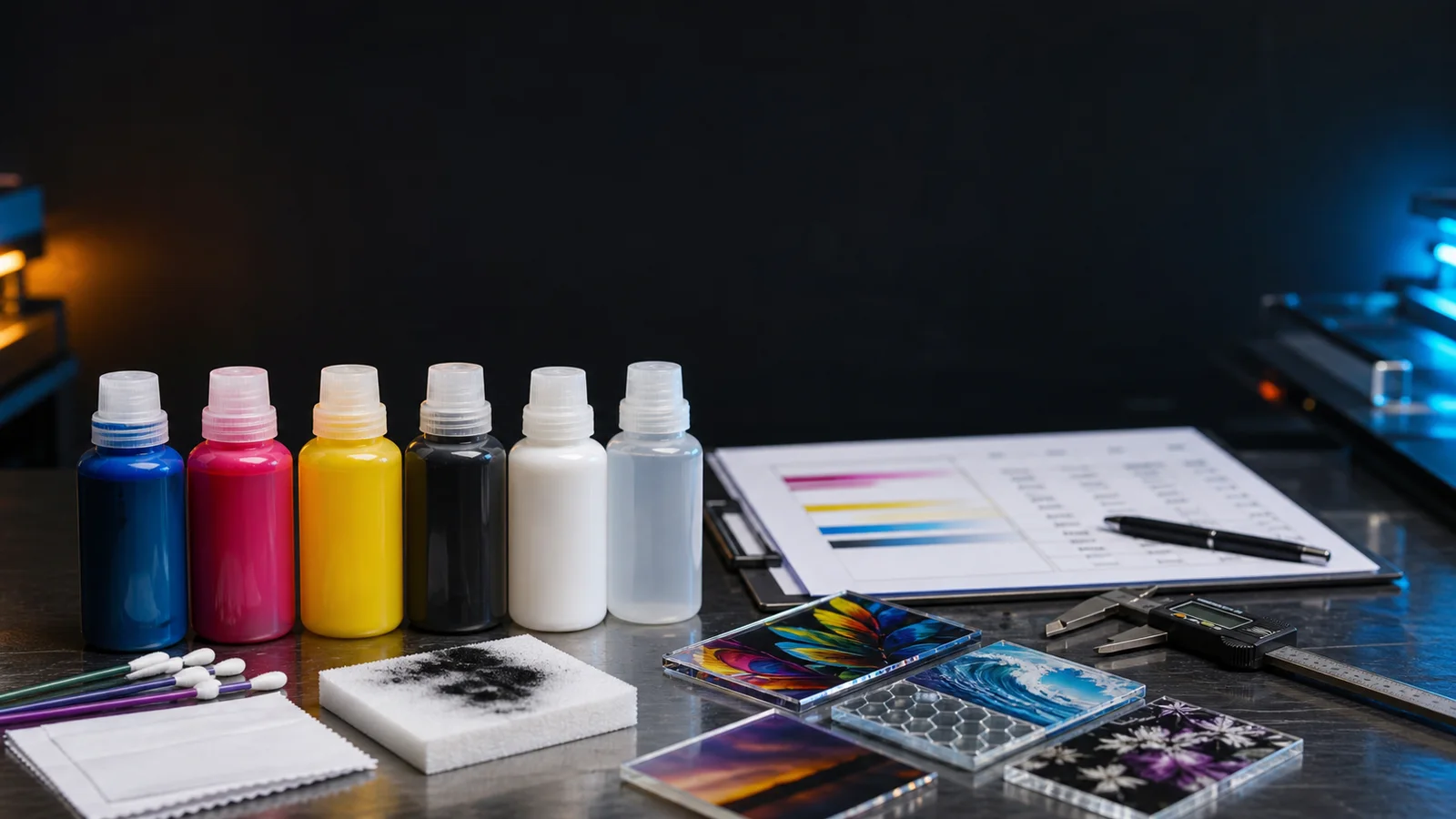
The Chemistry of UV Ink: A Technical Deep Dive
The ability to print on virtually any solid substrate — glass, wood, plastic, metal, acrylic, leather, stone — is entirely dependent on the complex chemical formulations of UV-curable inks. Understanding this chemistry is essential for anyone evaluating the machine's consumable economics.
The Four Components of UV Ink
1. Oligomers & Resins (Structure)
The structural backbone. Urethane acrylates provide flexibility (crucial for leather/canvas). Epoxy acrylates deliver extreme hardness and scratch resistance (necessary for glass/metal). The ratio determines the final print's physical characteristics.
2. Monomers (Viscosity Control)
Act as reactive diluents that calibrate the fluid's viscosity for flawless passage through microscopic printhead nozzles. Incorrect viscosity causes internal pressure failures and inconsistent droplet ejection.
3. Pigments (Color)
Suspended particles that provide the actual CMYK coloration. White ink uses heavy titanium dioxide pigments that require special circulation systems (WIC) to prevent settling.
4. Photoinitiators (The Trigger)
The critical light-sensitive catalyst. Benzophenone derivatives absorb the UV-LED wavelength and generate free radicals that instantly fuse the monomers and oligomers into a cross-linked polymer matrix.
White Ink: The Foundation of Every Print
Standard CMYK inks are inherently translucent. Applying them directly onto dark substrates (black acrylic, dark wood, clear glass) produces muted or invisible graphics. White ink serves as an opaque foundational primer — and the Varnish channel enables operators to build literal three-dimensional topography on the substrate through repeated layering. This permits simulated brushstrokes, raised braille lettering, embossed logos, or premium textured phone cases — features that command significantly higher retail prices.
Environmental Requirements
UV ink chemistry demands strict environmental controls:
- Temperature: 15°C to 35°C (59°F to 95°F) — strictly maintained
- Humidity: 20% to 85% relative humidity
- Light Protection: All fluid reservoirs and lines must be shielded from direct sunlight (UV light causes premature curing)
- Shelf Life: Standard UV inks last ~12 months; white inks are particularly sensitive to expiration
Modular Expansion & Advanced Production Workflows
1. Cylindrical Decoration via Rotary Processing
The xTool UV Printer's confirmed native rotary support leverages the 150mm Z-axis clearance to accommodate a motorized rotary attachment. This enables seamless, full-wrap, high-resolution printing directly onto stainless steel tumblers, glass mugs, thermos bottles, and sports flasks — one of the highest-margin segments in the custom merchandise market.
2. UV Direct-to-Film (DTF) Protocol
For objects too large, heavy, or irregularly shaped to fit inside the printer — automotive panels, motorcycle helmets, large appliances — the UV DTF workflow prints artwork in reverse onto a proprietary release film with a UV-curable adhesive. The resulting transfer functions as a heavy-duty, customized decal requiring no heat press. xTool plans a roll-to-roll feeding mechanism and integrated laminator for continuous production.
3. Zero-Waste Finishing for 3D Printing
This is a workflow I'm personally excited about. Traditional multi-color 3D printing generates massive waste through purge towers and flush blocks. The xTool UV Printer positions itself as a post-processing finishing partner: build the physical geometry with a single neutral filament (eliminating waste), then place the monochromatic part into the UV printer for photo-realistic, pixel-level color skinning. This achieves surface precision that colored filament simply cannot replicate.
4. High-Fidelity Lenticular Motion Printing
Leveraging its 1440 DPI resolution and micron-level mechanical stability, the system can execute complex lenticular printing — the technique that creates the illusion of 3D depth, animation, or image flipping through precisely interlaced image slices behind ribbed plastic lenses. The XCS software automatically generates the interlaced composites while the instant LED curing freezes ink slices in perfect geometric alignment with the lens structure.
The Print & Cut Pipeline: Where the Real Value Lives
This is where the xTool UV Printer transcends being “just another UV printer” and becomes a foundational production platform. For workshop owners who already operate an xTool laser cutter, this integration is transformative.
The Workflow: From Raw Material to Premium Product
- 1Design: Import artwork into XCS. Design both the full-color surface graphic and the exact vector cutting path simultaneously on a single digital canvas.
- 2Print: XCS auto-embeds optical alignment markers (crop marks) into the file. Place raw substrate (blank acrylic, basswood sheet) into the UV printer. It applies full-color graphics + optical markers.
- 3Transfer: Move the printed board to your xTool laser (P3, P2S, or S1 diode laser).
- 4Auto-Calibrate: The laser's high-resolution camera scans the board, recognizes the optical markers, and autonomously recalculates the cutting path coordinates for sub-millimeter accuracy.
- 5Cut: The laser cuts the printed substrate with flawless edge alignment — no jigs, no trial-and-error, no waste.
💰 The Economics
An untreated, laser-cut acrylic blank that might wholesale for $0.50 to $1.00 can be transformed via the Print & Cut pipeline into a premium, finished retail product capable of commanding $15 to $30 in the custom merchandise market. That's a 15x to 60x value multiplier using two machines that share a single software ecosystem.
If you're already in the xTool ecosystem — and especially if you own a P3, P2S, or Apparel Printer — this pipeline alone justifies putting the UV Printer on your shortlist.
What We Don't Know Yet: Honest Analysis of the Unknowns
The xTool UV Printer is still in its pre-release “Co-Creation” prototype phase. Several critical details remain officially unconfirmed. In keeping with our philosophy of separating fact from speculation, here's what we're still waiting on:
❓ Final Retail Price
Status: Unconfirmed. xTool states pricing is “being finalized.”
Our Projection: $3,000–$5,000 USD, based on xTool's historical prosumer positioning and competitive landscape analysis.
❓ Printhead Model
Status: Unconfirmed. xTool has not named the supplier.
Our Analysis: Strong evidence points to the Epson i1600-U1: (1) xTool cites it in educational materials as a dual-head example, (2) they already use Epson i600 in their DTF printer, (3) the i1600-U1 occupies the optimal cost/performance tier for prosumer machines.
❓ Ink Pricing & DRM
Status: Unconfirmed. This is the single biggest community concern.
Context: xTool DTF ink retails at ~$35/500ml (color), ~$39/500ml (white), ~$170/5-pack. UV inks contain specialized photoinitiators and are generally more expensive. The community is watching closely for open-source tanks vs. locked cartridges.
❓ Exact Release Date
Status: “Q2 2026” confirmed. No specific date announced.
Indicators: Fully functional prototypes at CES suggest hardware design is largely frozen. Current delay is likely software refinement, mass-manufacturing logistics, and durability stress testing.
xTool UV Printer
Be the first to know when the UV Printer is available. Check for launch updates and exclusive pricing.
Get Notified — xTool UV Printer →Compare: xTool vs EufyMake E1
See our full head-to-head spec comparison between the xTool UV Printer and the eufyMake E1.
Read the Full Comparison →How This Fits the xTool Ecosystem
xTool's product lineup now spans subtractive (laser), additive (UV printing), and transfer (DTF apparel) technologies. Here's where the UV Printer fits:
xTool P3 — Productivity Laser
80W CO2, 1200mm/s, Class 1 safety. The ideal Print & Cut partner.
Read Our P3 Review →xTool F2 Ultra — MOPA Powerhouse
60W MOPA fiber + 40W diode. Color metal engraving and deep embossing.
Read Our F2 Ultra Review →xTool Apparel Printer — DTF
Direct-to-film apparel printing. Uses Epson i600 printhead — same supply chain.
Read Our Apparel Printer Review →F2 Ultra UV — Cold Marking
5W UV laser for burn-free marking on heat-sensitive materials. Different tech, same UV wavelength.
Read Our UV Laser Analysis →Laser Cutter Comparison Guide
xTool vs OMTech vs Glowforge vs Gweike — our comprehensive 2025 showdown.
Read the Full Comparison →Profitable xTool Projects
Ideas and strategies for making money with your xTool laser + UV printer combo.
Browse Project Ideas →⚠️ Safety Warning: UV Printers Require a Safe Workspace
UV printers are not standard office equipment. The chemical inks emit Volatile Organic Compounds (VOCs) that require serious safety measures:
- Ventilation is Mandatory: The UV printer must operate in a very well-ventilated space, preferably with a dedicated exhaust system. Standard room ventilation is insufficient.
- PPE Required: Always wear nitrile gloves and safety glasses when handling ink or performing maintenance.
- UV Light Exposure: While the UV LEDs are shielded during normal operation, never look directly at the curing lamps.
- Temperature Control: Maintain ambient temperatures between 15°C–35°C (59°F–95°F) for proper ink performance.
Treat the xTool UV Printer with the same safety precautions as other workshop power tools, not as a simple home appliance.
Frequently Asked Questions
The xTool UV Printer was officially unveiled as a functional engineering prototype at CES 2026 in Las Vegas. xTool has confirmed a Q2 2026 market release window. As of April 2026, there is no official pre-order link; interested buyers can sign up for email notifications on the xTool website or join the private Facebook Co-Creation group for early testing updates.
The xTool UV Printer features a confirmed A3+ print bed measuring 330mm × 420mm (approximately 13.0 inches × 16.5 inches). This expansive lateral area allows operators to arrange dozens of smaller items — phone cases, keychains, coasters, compact mirrors — into multi-unit configurations for batch production in a single continuous print run.
The xTool UV Printer mounts two separate piezoelectric printheads onto a single stabilized carriage. One printhead manages the four CMYK color channels, while the second handles White ink and clear Varnish (WWVV). This enables simultaneous deposition of the white underbase, CMYK color, and textured varnish in a single pass — effectively cutting processing time in half compared to single-head systems that require sequential layer processing.
The xTool UV Printer supports a maximum output resolution of 1440 Dots Per Inch (DPI). This resolution is maintained by a high-precision mechanical rail system that manages droplet size and prevents dot gain — the phenomenon where liquid ink droplets spread before curing, resulting in blurred images. The integrated UV LEDs instantly cure droplets on impact for razor-sharp edges.
The printer features a Z-axis height clearance of 150mm (approximately 5.9 inches). This allows operators to print directly onto thick, pre-assembled, or structurally deep objects such as wooden boxes, acrylic display blocks, or electronic housings without disassembly. This is a major differentiator — the eufyMake E1, by comparison, accommodates only 60mm (2.36 inches).
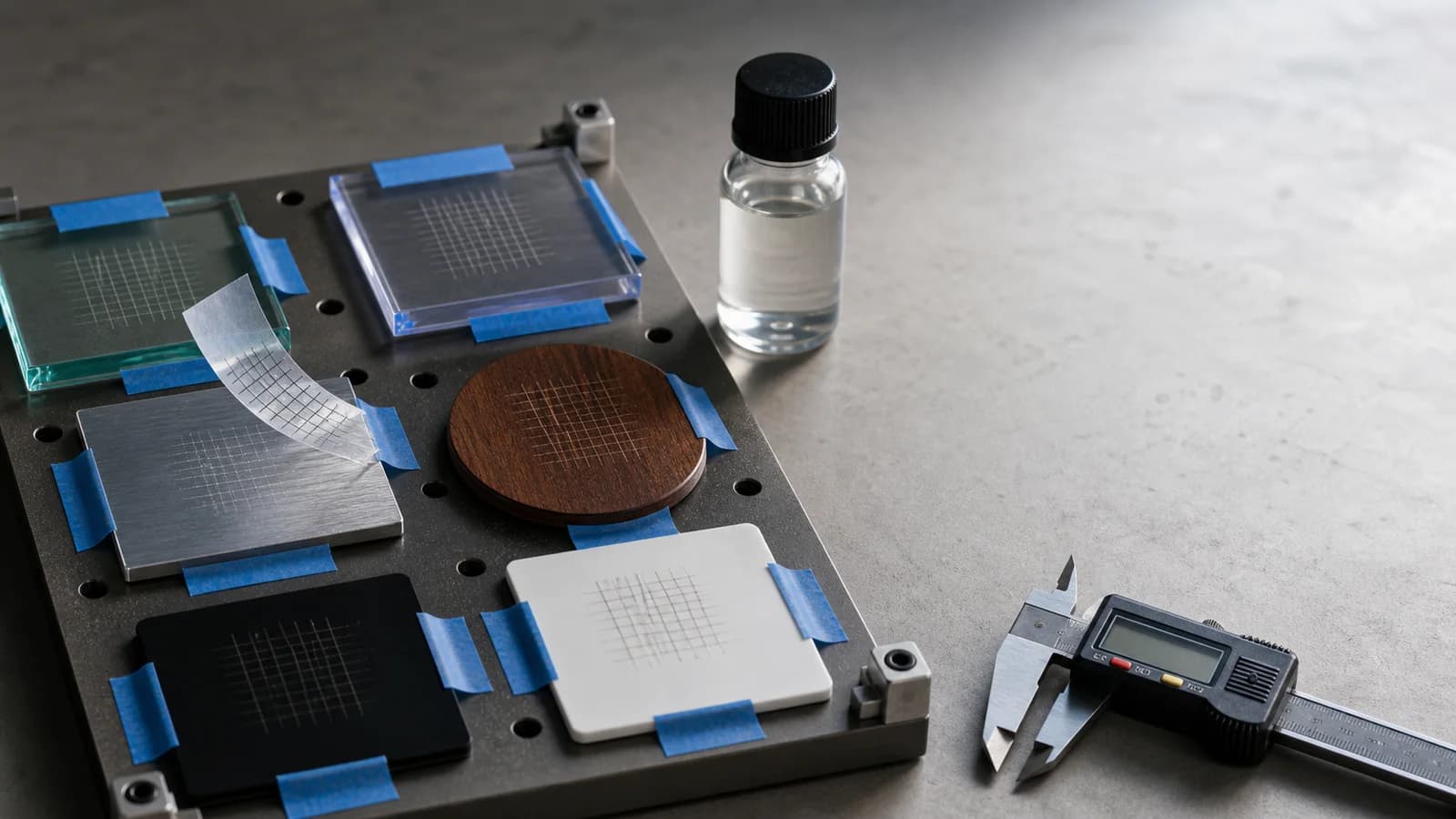
UV-curable ink adheres to virtually any solid substrate. Confirmed compatible materials include glass, wood, metal, acrylic, leather, stone, plastic, ceramic, and fabric. The UV ink undergoes light-induced polymerization (not evaporation like water-based ink), forming a durable plastic film that bonds to the substrate surface regardless of its composition.
Yes. xTool has confirmed native rotary support. By utilizing the 150mm Z-axis clearance, operators can install a specialized rotary attachment that synchronizes cylindrical rotation with the lateral print carriage movement. This enables seamless, full-wrap, high-resolution printing directly onto stainless steel tumblers, glass mugs, thermos bottles, and sports flasks.
UV Direct-to-Film (DTF) is a specialized protocol for decorating objects that are too large or irregularly shaped to fit inside the printer. The artwork is printed in reverse onto a proprietary release film with a UV-curable adhesive, then laminated and transferred to the target object. The xTool UV Printer supports this workflow with planned roll-to-roll feeding and an integrated laminator attachment.
The official MSRP has not been disclosed as of April 2026. Based on competitive market analysis and xTool's historical 'prosumer' positioning, community projections place the launch price in the $3,000 to $5,000 USD range. This positions it above budget entries like the eufyMake E1 (~$1,600-$2,000) but significantly below commercial flatbeds like the Epson SureColor V1070 ($8,000+).
This is currently unconfirmed and represents the most significant point of community speculation. xTool has not published UV ink pricing or confirmed whether the system will use open-source pourable reservoir tanks or locked proprietary cartridges. For reference, xTool's existing DTF ink retails at approximately $35/500ml for color and $39/500ml for white ink. UV photopolymer inks are generally more expensive to formulate than aqueous DTF inks.
White ink uses heavy titanium dioxide pigments that naturally settle if left stagnant, causing nozzle clogging and hardware damage. The xTool UV Printer's WIC system continuously agitates and pumps white ink through the internal delivery system, keeping the pigments uniformly suspended. This automated maintenance significantly reduces manual intervention and extends printhead service life.
Through xTool Creative Space (XCS) software, the UV printer enables an automated 'Print & Cut' pipeline. Operators design both the full-color surface graphic and the laser cutting path in XCS. The UV printer applies the graphics plus optical alignment markers. The printed substrate is then transferred to an xTool laser (P3, P2S, S1), whose cameras recognize the markers and auto-calibrate the cutting path for sub-millimeter accuracy. This transforms a $0.50 blank into a $15-$30 retail product.
Ready to Join the UV Printing Revolution?
The xTool UV Printer represents a fundamental shift in what desktop makers can achieve. Sign up for launch notifications and be the first to know when pricing and pre-orders go live.
Get Notified — xTool UV Printer →(Affiliate Disclosure) As an affiliate partner with xTool, we earn from qualifying purchases at no additional cost to you. I (The Crafty Catsman) purchased my xTool P2 with my own funds and provide authentic perspectives based on genuine experience. I am also a backer of the eufyMake E1 UV Printer. Our primary goal is to offer trustworthy, balanced information to help you make informed purchasing decisions. All specifications marked as “confirmed” are based on CES 2026 prototype demonstrations and official xTool publications. Specifications marked as “projected” or “unconfirmed” represent our analysis of market data and community discourse, not manufacturer guarantees.