The used Sony made the project possible
I found my 43-inch X85J for $400. It gave the cabinet a 4K/120 playfield without forcing the OLED purchase on day one.
That $400 figure is my historical used purchase, not a current market-price promise.
Cabinet-tested playfield guide
I tried two screens in the same cabinet. The biggest difference showed up when I stood beside it. Here’s how that changes the next screen I’d buy.
I built my cabinet with both a 42-inch LG C2 OLED and a 43-inch Sony X85J LCD. The OLED won for viewing angle and color; the Sony remains the budget path when a clean used one is meaningfully cheaper. For a new 2026 buy, compare current 42-inch LG C-series models by price, cabinet fit, inputs, and 4K/120 support instead of treating one generation as automatically best.
The decision that survived the model cycle
The cabinet did not need a spec-sheet winner. It needed an image that stayed convincing while I stood over it, moved beside it, and played.
I found my 43-inch X85J for $400. It gave the cabinet a 4K/120 playfield without forcing the OLED purchase on day one.
That $400 figure is my historical used purchase, not a current market-price promise.
The 42-inch C2 kept deeper color and a stronger image from the steep standing and side angles of the cabinet. That is the upgrade I could see in the finished machine.
This is my observation from these two installed displays; it is not a laboratory latency measurement.
The C4 and C6 can be compared through current LG specifications, availability, and cabinet fit. They do not inherit hands-on proof from my C2.
The same boundary applies to the X85K: official specifications are useful, but I did not install it for this guide.
From my cabinet
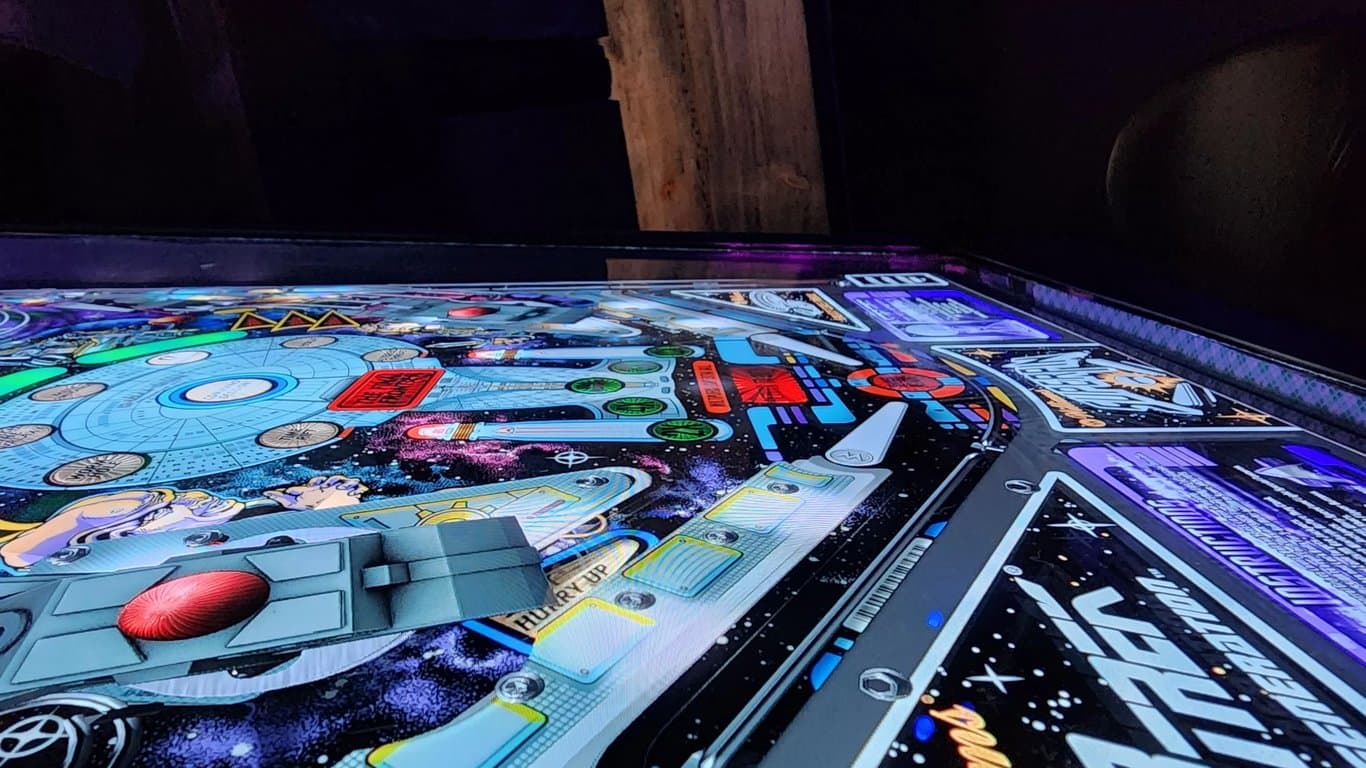
I bought and installed both of these playfield screens. The Sony X85J was a used $400 find. The LG C2 was the step up. Both gave me a 4K/120 playfield path, but the OLED held together better from the standing and side angles where a cabinet is actually viewed.
That is the durable lesson from my build. The model numbers will keep changing; viewing angle, physical fit, connection path, and the price gap between the screens are still the decisions to make.

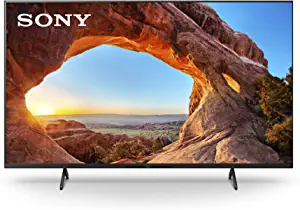
What I actually used: the C2 and X85J observations are firsthand. The C4, C6, and X85K details below come from manufacturer specifications; I did not install or bench-test those displays for this article.
See the installed result
This is the cabinet behind the notes on this page. Watch the C2 in its installed position; the video is from this original build.
Make the next decision
Pick the constraint that is real today. You can read every path without making a selection.
Use the C2 installation as evidence for the OLED viewing-angle benefit, then compare the C4 and C6 on actual price, inputs, warranty, and fit. Neither later model was tested in this cabinet.
Compare the modelsUse the C2 installation as evidence for the OLED viewing-angle benefit, then compare the C4 and C6 on actual price, inputs, warranty, and fit. Neither later model was tested in this cabinet.
Compare the models →A clean used X85J can still make sense when it is meaningfully less expensive than a suitable OLED. Verify the exact unit, 4K/120 input, panel condition, and cabinet dimensions before paying.
Read about my X85J →The diagonal class is not enough. Capture the full chassis, mount, cable, cooling, and removal clearances first; then use those limits to narrow the display list.
Use the fit checklist →Measure before model shopping
“42-inch” and “43-inch” describe a diagonal screen class. For a cabinet build, record the complete enclosure and the space needed to install, connect, cool, and service it.
Model status reviewed September 24, 2026
LG now labels the C4 page with a newer-model link to the C6. That makes the C4 a conditional value comparison, not the automatic current pick. LG lists PC gaming up to 144Hz for the C4 and up to 165Hz for the C6; those modes are extra headroom beyond the 4K/120 target used in this cabinet.
| Display | Role in this guide | What to know |
|---|---|---|
| LG C2, 42-inch OLED | Owner-installed reference | Cabinet photos, video, viewing-angle judgment, and archived settings are from my build. |
| Sony X85J, 43-inch LCD | Owner-installed budget reference | I bought mine used for $400. Sony's specifications list 4K/120 support. |
| Sony X85K, 43-inch LCD | Specification comparison only | Sony lists 4K/120, VRR, and ALLM support. I did not install this model for the article. |
| LG C4, 42-inch OLED | An older model to price-check | LG lists 4K/120 and PC gaming up to 144Hz. Its 0.1ms language describes response time, not a measured input-lag result from this cabinet. |
| LG C6, 42-inch OLED | Newer-model context | LG lists gaming up to 165Hz. It is included to keep the C4 comparison current, not as a hands-on recommendation. |
Read “0.1ms” carefully: that is LG's manufacturer response-time wording. It is not a universal input-lag number, and this page does not substitute it for an independent cabinet latency test.
Shopping for a playfield
This listing is for the C4 candidate, not the owner-tested C2. LG now points to the newer C6, so compare the live listing, warranty, cabinet dimensions, and current LG specifications before choosing.
As an Amazon Associate, I earn from qualifying purchases at no additional cost to you.
Build journal, not a universal preset
These values preserve the setup I documented on the older cabinet with an AMD RX 6700 XT. I reported that Future Pinball still struggled at times. Open the sections if you are troubleshooting a similar system, then change one variable at a time. Current firmware, drivers, and VPX versions may use different names or behave differently.
Choose color format, frame cap, and hardware around the modes your complete signal chain can hold reliably. This cabinet log does not establish universal values for those three choices.
Quick cabinet answers
Measure the cabinet opening, the complete TV enclosure, the mounting points, and the cable path before buying. A 42-inch LG C2 and a 43-inch Sony X85J both worked in my cabinet, but a screen-size label does not guarantee that another chassis will fit your build.
In my cabinet, the LG C2 OLED kept its color better when viewed from the steep side angles common at a pinball machine. That was the clearest upgrade over my Sony X85J. Whether it is worth the added cost depends on the used and new prices you can actually find.
No. LG now points shoppers from the C4 product page to the newer C6. The C4 can still be a sensible candidate if it is available at a favorable price, fits the cabinet, and has the inputs you need, but this page does not treat it as the newest model.
No. A stable 4K/120 path is already the central target in this build. Higher advertised refresh modes only matter when the display, input, cable, graphics hardware, and software configuration all support them. LG also limits its C4 144Hz statement to a compatible PC graphics card connection.
Treat them as a record of one older C2 and PC setup, not a universal preset. Firmware, drivers, tables, room light, and personal preference all change the result. Start with the display game mode, confirm 4K/120 operation, and adjust one setting at a time.
Continue the cabinet plan
Start with cabinet scope, budget, and the tradeoffs of a complete machine.
Read the build-or-buy guidePlace the playfield beside the PC, controls, feedback, and cabinet decisions.
Open the virtual pinball buying guideThe basement arcade story shows where this machine ultimately landed.
Tour the basement arcadeThe cabinet was never really finished
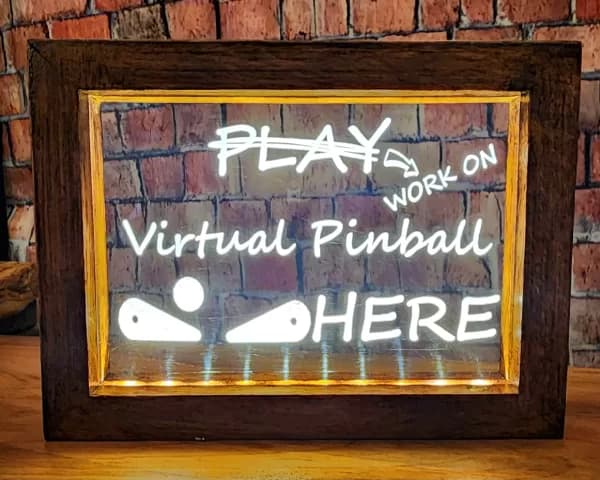
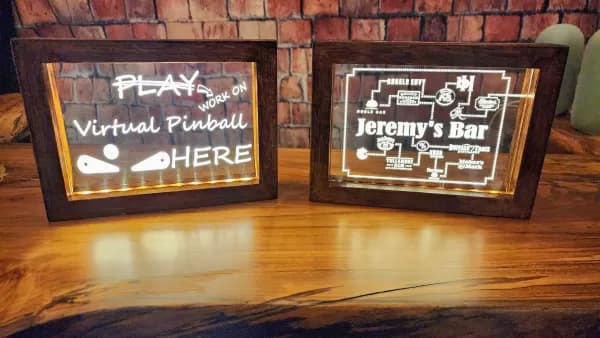
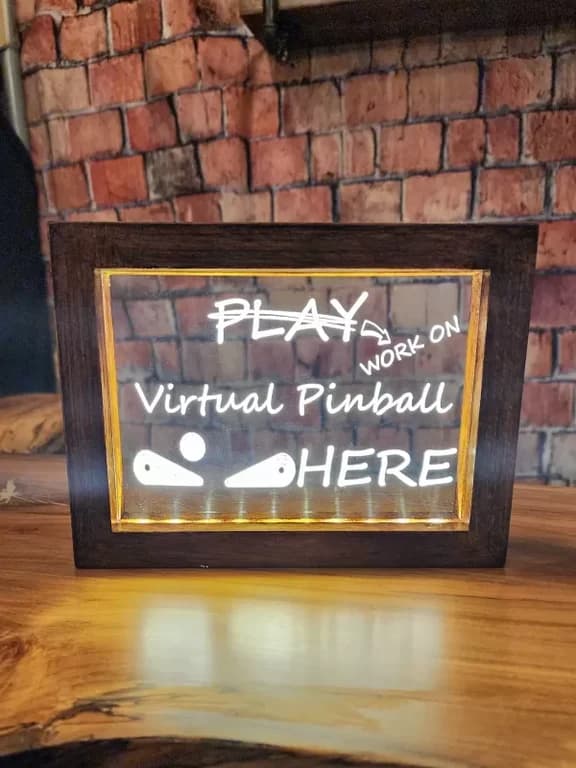
I made this illuminated acrylic sign around the joke every virtual pinball builder knows: the machine is always one project away from done. I used a rechargeable light base, sourced unfinished beechwood frames, and hand-stained and sealed them. The acrylic panel could be swapped for another design.
This is part of the original workshop story preserved with the guide. It is not a claim that signs or custom orders are currently available.