Bigger material routeCO2 production

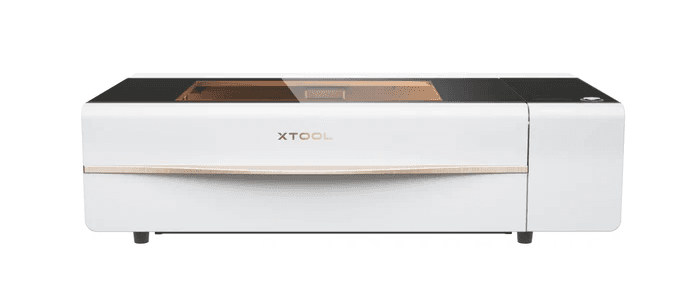
xTool P2S
- Power
- 55W CO2
- Speed
- 600 mm/s
- Best for
- Thick stock
Workshop comparison
CO2 production power or portable diode speed?
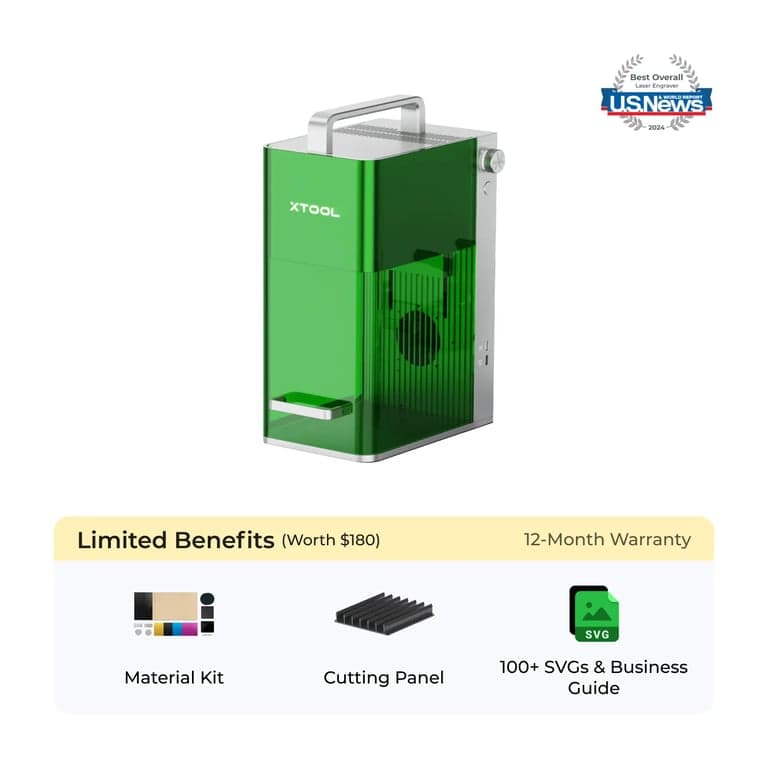
The P2S is the larger enclosed CO2 machine for cutting thicker stock and repeat work. The F1 is the portable diode and IR route for metal marks, small objects, and lower-budget desktop jobs.
Choosing between the xTool P2S and F1 involves deciding between two fundamentally different laser technologies: CO₂ and diode. Each excels at different tasks, materials, and price points.
This comprehensive comparison will help you understand which machine is best suited for your specific needs, whether you're a hobbyist, small business owner, or professional maker looking to optimize your workflow and results.
I've spent months testing both machines across a variety of materials and projects to give you the most accurate, hands-on insights to guide your decision-making process.
If the F1's capabilities intrigue you but you need industrial-grade power, xTool has released the F2 Ultra. It's a massive leap forward, combining a 60W MOPA Fiber Laser with a 40W Diode Laser.
The F2 Ultra is designed for deep metal engraving, color marking, and cutting thick materials, making it a desktop factory. It's not just an upgrade; it's in a different class.
Is the F2 Ultra worth the investment? Read our in-depth review →We've analyzed the key specifications of both machines to help you compare their capabilities at a glance. Specifications marked 'Better' indicate superior performance in that category.
After extensive testing with both machines, I found material-specific performance differences that might influence your decision:
The P2S cuts through 18mm acrylic in a single pass, while the F1 requires multiple passes for materials over 5mm and struggles beyond 10mm. For woodworkers and fabricators regularly cutting thick materials, the P2S offers significant time savings and cleaner results.
The F1 can directly engrave onto stainless steel, aluminum, copper, and brass without any special coatings or marking solutions. The P2S requires marking spray or paste to engrave metals, making the F1 superior for jewelry makers, metalworkers, and trophy/award businesses.
For acrylic signage and projects, the P2S creates crystal-clear, polished edges when cutting, while the F1 tends to produce slightly more frosted edges. However, for engraving on acrylic, both machines perform excellently, with the F1 capable of finer detail work.
For businesses creating wooden signs, boxes, decorations, and architectural elements at scale
For creating displays, signage, light fixtures, and promotional items from thick acrylic
For businesses where speed and throughput directly impact profitability
For cutting and engraving leather goods like wallets, bags, holsters, and decorative items
For personalized metal jewelry, rings, pendants, and watches with fine detail work
For customizing metal trophies, plaques, medals, and recognition awards
For on-site personalization at events, markets, or client locations due to compact size
For startups and side businesses with limited space and budget but needing professional results
After extensive testing of both the xTool P2S and F1, it's clear these machines serve different needs and budgets. The choice ultimately depends on your specific requirements:
You regularly work with thick materials, run a production business where time savings directly impact your bottom line, or need the versatility and cutting power of a CO₂ laser for complex projects.
You need direct metal engraving capabilities, are on a tighter budget, have limited space, or primarily work with thinner materials and fine detail work.
As an affiliate partner with xTool and other brands mentioned, we earn from qualifying purchases at no additional cost to you. These partnerships help support our free content while providing you with direct links to purchase the products we review. Our primary goal is to offer valuable, trustworthy information to help you make informed decisions.
Comparison pick
Comparison pick
Common questions about xTool P2S vs F1 lasers
The xTool P2S uses a 55W CO₂ laser that excels at cutting thick materials and delivering high-speed performance, while the F1 uses a 10W or 20W diode laser that's more affordable, more compact, and better at direct metal engraving. The P2S offers faster speeds (600mm/s vs 400mm/s) and can cut thicker materials (up to 20mm vs 10mm), while the F1 costs significantly less ($1,499 vs $4,499) and has a wider working area in one dimension.
The P2S works better with thicker materials (up to 20mm) including wood, acrylic, and leather. It's ideal for rapid cutting of plywood, MDF, and thick acrylic. The F1 excels at direct metal engraving (stainless steel, aluminum, copper) without requiring marking solutions. It also works well with thin woods, leather, paper, and cardboard, but struggles with thick or dense materials.
The P2S is worth the extra cost if you regularly cut thick materials (over 10mm), need the fastest possible working speeds, or run a production business where time savings justify the investment. The F1 offers better value for hobbyists, beginners, and those primarily focused on metal engraving or working with thinner materials.
Both the xTool P2S and F1 can work offline. They connect via USB or Wi-Fi to your computer and work with offline software like LightBurn or xTool Creative Space. Unlike cloud-only lasers like Glowforge, both xTool machines offer flexibility to operate without internet connectivity.
For a small business, the choice depends on your products and volume. Choose the P2S if you: cut thick materials, need maximum production speed, or create large quantities of items. Choose the F1 if you: primarily engrave metals, work with thinner materials, have space constraints, or need to minimize initial investment while still offering professional-quality results.