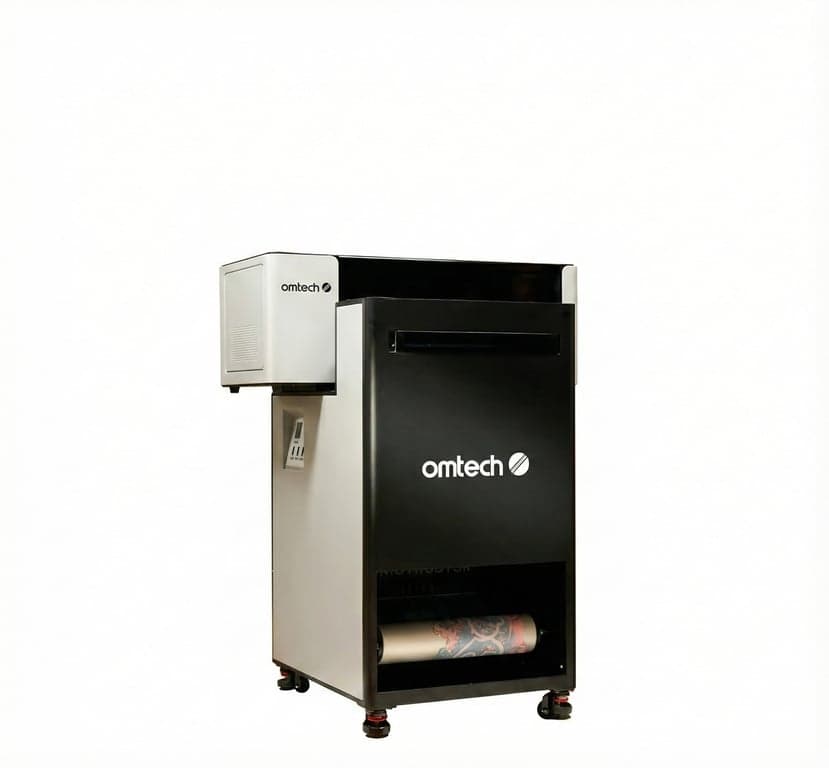
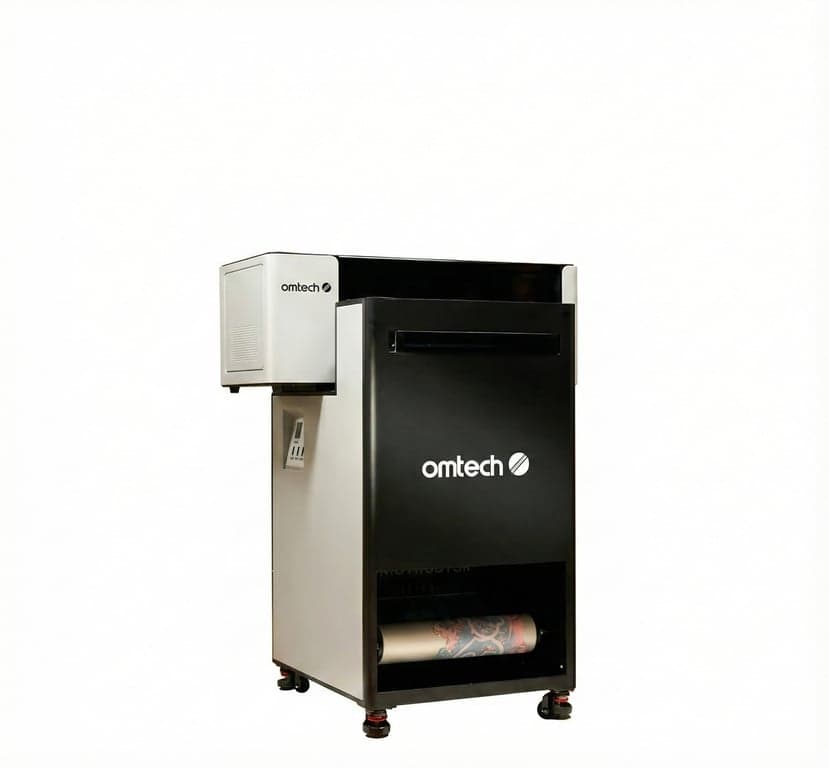
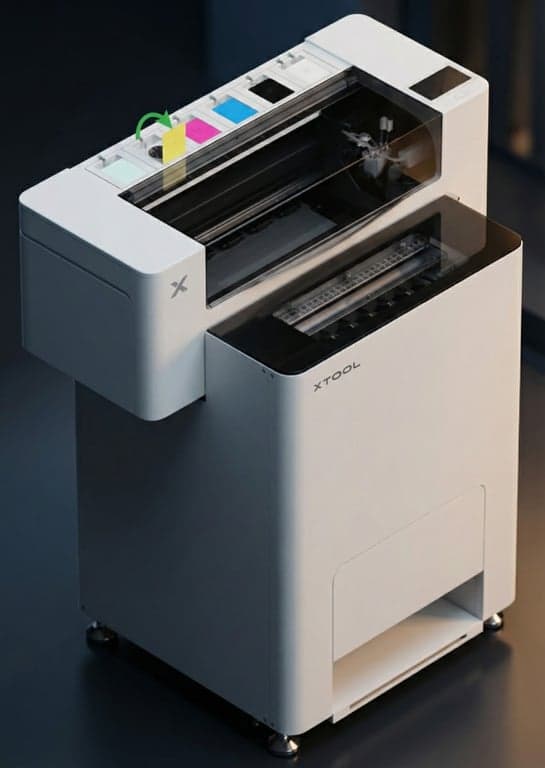
OMTech Aurora vs xTool Apparel Printer
The Ultimate DTF Printer Showdown for 2025
The Crafty Verdict
โ ๏ธ Note on Specifications
Specs sourced from OMTech's comparison table and aurora.omtech.com. OMTech offers multiple Aurora models (D1 vs D1 Pro) with different configurations. Prices and specs may vary by bundle and promotions. Always verify current pricing on manufacturer websites before purchasing.
The OMTech Aurora and xTool Apparel Printer represent two approaches to prosumer DTF printing. With similar print specifications (~14" width, 720ร1800 DPI, dual Epson i1600 printheads), the choice comes down to price vs. polish.
Aurora enters at roughly half the cost of xTool, while xTool offers a more refined software experience with Mac support and AI-powered features. This comparison covers the verified specs, real pricing, and practical differences.
Side-by-Side Specifications
OMTech Aurora D1 Pro
VALUE LEADERxTool Apparel Printer
AI-POWEREDThe Real Deciding Factors
Factor #1: Price (The Big Difference)
Factor #2: Print Specs (Similar)
Despite earlier claims of differences, both printers are in the same class:
| Print Width | ~14" (356mm) โ Both |
| Resolution | 720 ร 1800 DPI โ Both |
| Speed | ~50 sq ft/hr โ Both |
| Printheads | Dual Epson i1600 โ Both* |
*Aurora D1 Pro has 2ร i1600; base Aurora D1 has 1ร F1080
Factor #3: Software & Ecosystem
OMTech Aurora
- Uses DigiRIP software
- Windows only
- "Strongly recommends" Aurora ink
- Standard DTF workflow
xTool Apparel Printer
- Uses xTool Creative Space (XCS)
- Mac AND Windows support
- "Use ONLY xTool film and inks"
- AI background removal, auto white layer
Factor #4: AI & Automation
xTool's AI Advantage
- 16MP AI Camera: Auto bi-directional alignment
- Real-time failure detection (nozzle clogs, film jams)
- Automatic pause on detected failures
- 24/7 Smart Cycle background maintenance
- Software tracks ink/waste levels with app alerts
OMTech Aurora
- Active white ink stirring motor
- Circulation pump for ink management
- Manual calibration via DigiRIP
- Traditional DTF workflow
- More hands-on, but more control
Factor #5: Ink & Consumables
Reality Check on "Open vs Closed"
Both manufacturers recommend their own inks:
- OMTech: "Strongly recommends" Aurora ink (per Kickstarter FAQ)
- xTool: "Use ONLY xTool DTF film and inks" (per support docs)
xTool Ink Pricing
500ml bottles at ~$69 list (~$39 on sale) = $78-138 per liter depending on discounts. Actual cost per print varies significantly by artwork complexity.
Complete Feature Comparison
| Feature | OMTech Aurora D1 Pro | xTool Apparel Printer | Advantage |
|---|---|---|---|
| Price | From $2,399 (Kickstarter) | ~$5,599โ$5,999 | Aurora (+$3k savings) |
| Print Width | ~14" (356mm) | ~14" (356mm) | Tie |
| Resolution | 720 ร 1800 DPI | 720 ร 1800 DPI | Tie |
| Print Speed | ~50 sq ft/hr | ~50 sq ft/hr | Tie |
| Printheads | 2ร Epson i1600 | 2ร Epson i1600 | Tie |
| Software | DigiRIP (Windows) | XCS (Mac + Windows) | xTool (Mac support) |
| AI Features | None | 16MP camera, auto-calibration | xTool |
| Included Accessories | Shaker + Curing Oven | Shaker + Purifier | Different bundles |
| Ink Policy | "Strongly recommends" Aurora ink | "Use ONLY xTool inks" | Both recommend own inks |
The Final Verdict
Bottom Line Recommendation
Choose OMTech Aurora If...
- โBudget matters โ save $3,000+ upfront
- โYou're comfortable with Windows + DigiRIP
- โYou prefer traditional DTF workflow control
- โIntegrated curing oven is important to you
- โYou want to back an innovative Kickstarter project
Choose xTool Apparel Printer If...
- โYou're a Mac user โ XCS works on both platforms
- โAI-assisted calibration and failure detection appeal to you
- โYou value plug-and-play simplicity over savings
- โxTool's ecosystem and support matter to you
- โBudget is less of a concern than user experience
Frequently Asked Questions
OMTech Aurora vs xTool Apparel Printer: Common Questions
The main differences are: 1) Price - OMTech Aurora starts at $2,399 (Kickstarter) while xTool Apparel Printer is approximately $5,599โ$5,999, 2) Software ecosystem - OMTech uses DigiRIP while xTool uses proprietary xTool Creative Space (XCS) with Mac support, 3) AI features - xTool includes a 16MP camera for auto-calibration and failure detection. Both offer similar ~14" print width and 720ร1800 DPI resolution with dual Epson i1600 printheads.
OMTech Aurora offers significant upfront cost savings ($2,399 vs ~$5,599) making it attractive for budget-conscious businesses. xTool Apparel Printer provides a more polished user experience with AI-assisted calibration, Mac support, and integrated software. Both have similar print capabilities (~14" width, 50 sq ft/hr speed). Choose Aurora for value, xTool for plug-and-play simplicity.
Both manufacturers strongly recommend using their official inks. OMTech 'strongly recommends' Aurora ink to avoid issues (per Kickstarter FAQ). xTool explicitly states 'use ONLY xTool DTF film and inks' for optimal quality. While third-party inks may work, using them could void warranties and cause printhead issues. The 'open vs closed ecosystem' distinction is less absolute than often claimed.
Cost per print varies significantly based on artwork complexity, white ink density, and actual consumable prices paid. xTool ink (500ml bottles at ~$69 list, sometimes $39 on sale) translates to $78-138 per liter. OMTech Aurora ink pricing depends on bundle purchased. Actual savings depend on usage patterns and whether you strictly follow manufacturer ink recommendations.
Both printers offer approximately 14-inch (356mm) maximum print width according to OMTech's comparison documentation. Earlier claims that xTool was limited to A3 (11.7 inches) appear to be inaccurate. Both machines are in the same ~14-inch print width class for full-back garment designs.
Both OMTech Aurora and xTool Apparel Printer are listed at 720 ร 1800 DPI resolution per OMTech's comparison table and Aurora landing page. This asymmetric resolution (different horizontal vs vertical) is typical for DTF printers optimized for fabric printing quality.
Both printers require daily maintenance: shake white ink to prevent titanium dioxide settling, run nozzle checks, and verify ink flow. Weekly: clean the capping station and wiper blade. OMTech Aurora features active stirring motors. xTool has '24/7 Smart Cycle' background maintenance. Neither eliminates the need for regular user intervention.
OMTech Aurora uses DigiRIP software (Windows). xTool Apparel Printer uses xTool Creative Space (XCS), which supports both Mac and Windows. XCS offers AI-powered features like background removal and auto white layer generation. Note: LightBurn (laser control software) is not compatible with DTF printers despite some claims.
Affiliate Disclosure
As an affiliate partner with OMTech, xTool and other brands mentioned, we earn from qualifying purchases at no additional cost to you. These partnerships help support our free content while providing you with direct links to purchase the products we review.
Sources: Specifications from aurora.omtech.com, OMTech comparison table, xTool product pages, and Kickstarter campaign materials. Prices and specs are subject to change. Last verified December 2024.