
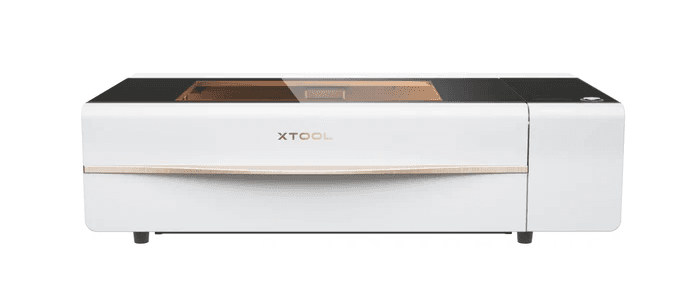
xTool P2S vs Glowforge Pro: The 2026 CO₂ Laser Showdown
Comparing Power, Precision, and Price
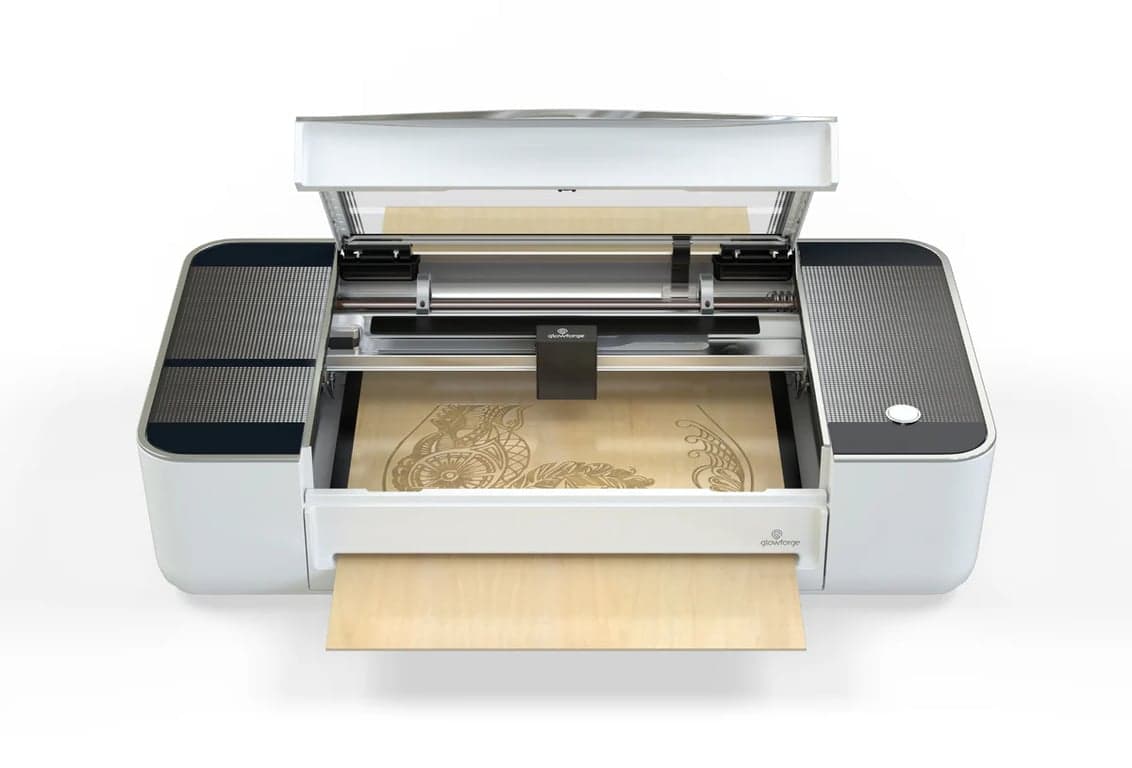
For years, the Glowforge Pro was the benchmark in desktop laser cutting. However, the market has evolved significantly. The xTool P2S is now the stronger value pick for many 2026 buyers, while Glowforge remains attractive for cloud-first workflows and schools. This refreshed comparison also accounts for Glowforge's newer Pro HD positioning.
2026 quick answer: For most 2026 buyers, the xTool P2S is better value than the legacy Glowforge Pro: more CO2 power, a published 600mm/s top speed, offline-capable software, and a stronger camera workflow for the same $2,999 as a Certified Rebuilt Pro (P2S pre-order, checked September 23, 2026). Glowforge still suits cloud-first schools and studios; Glowforge buyers should also compare the newer Pro HD.
Transparency and Trust: Affiliate Disclosure
We believe in transparency. Some xTool and Amazon links on this page are affiliate links, which means we may earn a commission at no extra cost to you. Glowforge links here are official product/source links, not paid affiliate recommendations. Our goal is to keep the comparison useful, current, and honest about what has been source-checked versus personally used or tested.
Comparison prices use U.S. listings. Check your selected store for local pricing and availability.
Preparing P2S store links.
Quick Verdict: xTool P2S Wins
After the 2026 source refresh, the xTool P2S is the stronger spec-and-workflow pick for many desktop CO2 buyers. It delivers more power (55W vs 45W), stronger current desktop specs, offline-capable workflow paths, and a better camera system. P2S now has documented network support in LightBurn 2.2.00 or later, marked Labs by LightBurn. We have not tested that connection (details in the LightBurn guide). Before treating it as the final answer, compare it against the OMTech Polar 2 RF and the 2026 laser comparison.
How This Comparison Was Refreshed
To keep this comparison useful in 2026, the refresh combines current manufacturer specifications, software workflow analysis, owner-context from xTool CO2 use, and current market context. The evaluation focuses on:
- Official specs: Checking current xTool and Glowforge product pages before keeping power, software, camera, and price claims live.
- Workflow fit: Separating xTool's own software path (LightBurn now depends on the P2S firmware version) from Glowforge's guided cloud workflow.
- Shop context: Using real xTool CO2 owner context to judge setup, placement, exhaust, and accessory friction without pretending every machine here has been newly bench-tested.
- Market routing: Sending readers to the Polar 2 and 2026 matrix pages when the decision is no longer just xTool versus Glowforge.
This keeps the recommendation grounded in current product context while avoiding stale 2025 assumptions.
The Competitors
Comparison pick
xTool P2S
Comparison pick
Glowforge Pro
Head-to-Head Specification Comparison
A detailed look at how the specifications stack up. Treat the price row as a live-check prompt, not an evergreen deal claim.
Key Features & Performance Analysis
Superior Power & Speed (Advantage: xTool)
The xTool P2S delivers 55W of cutting power compared to Glowforge Pro's 45W, a 22% advantage. This translates to cutting through thicker materials more efficiently.
xTool publishes a 600mm/s top-speed claim for P2S, while Glowforge does not present the rebuilt Pro around the same kind of current max-speed spec. Treat speed as workflow context, not guaranteed throughput.
Advanced Camera System (Advantage: xTool)
xTool P2S features a dual 16MP HD camera system that enables precision placement and advanced capabilities like:
- AI-assisted object detection
- 3D surface scanning for curved engraving (Glowforge lacks this)
- Batch processing with multiple items
Glowforge Pro uses a single fisheye camera that provides basic visual positioning but lacks advanced features and precision.
Software & Connectivity: Offline vs Cloud
The xTool P2S runs on xTool's own desktop software, offering crucial offline capability. It connects via WiFi, USB-C, or Ethernet.
xTool's October 10, 2026 notice documents P2S network operation with LightBurn 2.2.00 or later on current firmware. LightBurn labels this support Labs, and its older June 29 warning remains published. We have not tested the connection; some recent P2/P2S firmware lacks camera support in LightBurn. Follow the current LightBurn setup instructions and xTool's firmware notice(paid link).
Glowforge Pro uses cloud-only software that requires a constant internet connection. If the internet is down, the machine cannot be used at all, a major limitation for professional use.
Value Proposition
On September 23, 2026, xTool listed the standalone P2S at $2,999 as a pre-order, and Glowforge listed the Certified Rebuilt Pro at $2,999. With the sticker prices level, the value question comes down to what each machine does for that money. xTool's anniversary sale, which took the P2S to $2,799 at checkout, ended October 4; on October 7, xTool still listed the standalone P2S at $2,999.
The P2S is the stronger value when power, camera workflow, and offline-capable paths matter. Glowforge still makes sense when the guided cloud workflow is the actual buying priority, or when an in-stock machine matters more than the P2S pre-order date.
Camera System Comparison
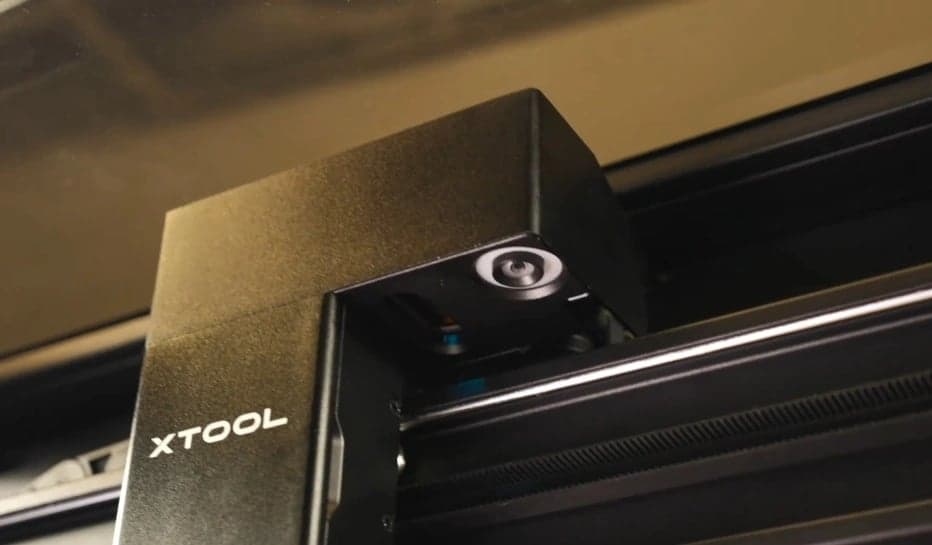
xTool's Dual Camera System Visualization
The panoramic and close-up cameras work together to provide full bed coverage and precision alignment
Frequently Asked Questions (FAQ)
Yes, the xTool P2S features a 55W CO₂ laser tube compared to Glowforge Pro's 45W, giving it 22% more power. This translates to faster cutting and the ability to handle thicker materials more effectively.
The xTool P2S has a superior system with dual 16MP HD cameras, enabling advanced features like 3D surface mapping and AI object detection. The Glowforge Pro uses a single, lower-resolution fisheye camera.
The xTool P2S can work completely offline via USB-C, Ethernet, or local WiFi. xTool’s October 10, 2026 notice documents P2S network use with LightBurn 2.2.00 or later on current firmware. LightBurn marks this support as Labs; we have not tested the connection. Follow the current model and firmware instructions. The Glowforge Pro requires a constant internet connection and cannot function offline.
The xTool P2S offers stronger value for most 2026 desktop CO2 buyers because it combines 55W power, a published 600mm/s top speed, offline-capable software, and dual-camera alignment. Glowforge still appeals when a guided cloud workflow matters more than open control.
Material Capabilities
While the xTool P2S excels as a CO2 laser, xTool also offers advanced fiber laser technology. If your projects involve direct metal engraving, color marking on stainless steel, or deep 3D embossing, you might want to explore the capabilities of the new xTool F2 Ultra, a powerful MOPA fiber and diode hybrid laser.
Final Verdict: Why the xTool P2S is the Better CO2 Laser Value in 2026
After the 2026 refresh across specifications, workflow, software control, and value, the xTool P2S emerges as the stronger value pick versus the legacy Glowforge Pro, offering a stronger spec and workflow path for many makers.
See how the Glowforge Pro stacks up against other competitors in ourGlowforge Pro vs OMTech Polar comparison. If you are weighing the 80W xTool P3 rather than the 55W P2S, read our xTool P3 vs Glowforge Pro comparison instead. For a broader look at the market, explore our guide to theBest Laser Cutters of 2026. Bambu Lab's new R1 is another 55W CO2 laser in this price range; see how the Bambu Lab R1 compares with the xTool P2S.
Verify live bundle pricing and any checkout code before buying; xTool and Glowforge offers change faster than this legacy URL can safely treat as evergreen.
Amazon Support Gear
CO2 Laser Setup Add-Ons
The xTool versus Glowforge decision is the big purchase; these Amazon add-ons cover the safety, exhaust, and cleanup work around either CO2 laser.
As an Amazon Associate, I earn from qualifying purchases at no additional cost to you.
- - Match wavelength and optical density to your exact laser.
- - Eyewear does not replace a proper enclosure and interlocks.
- - Confirm duct diameter, run length, and local venting requirements.
- - Use as part of a complete fume plan, not as the whole plan.
- - Not a laser-fume or solvent-vapor solution.
- - Fit and seal matter; follow the respirator instructions.
- - Use laser-rated eyewear for laser wavelengths.
- - Replace scratched lenses.